Bundle
A bundle represents a group of wires. It can have a defined length and optional coverings applied.
Bundles can only be added in the Layout View.
Adding Bundle
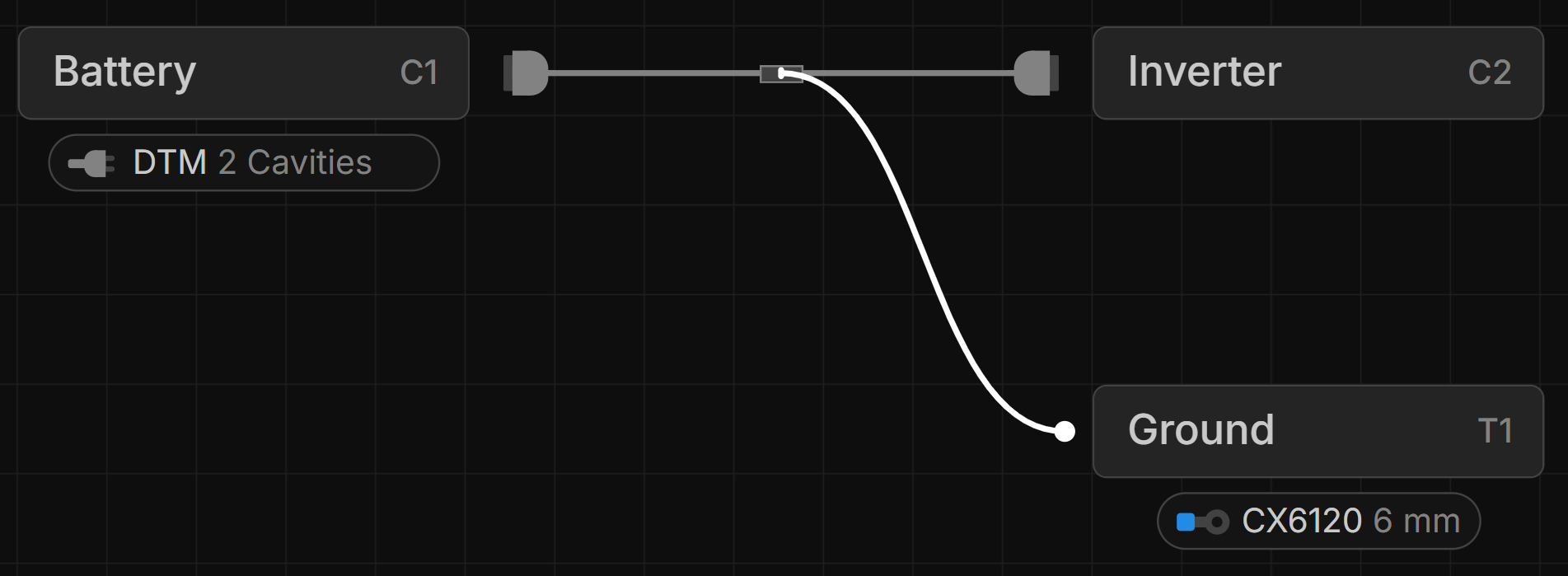
In the Layout View, drag from the connection point of a connector, terminal, or branch point to another.
Setting Bundle Lengths
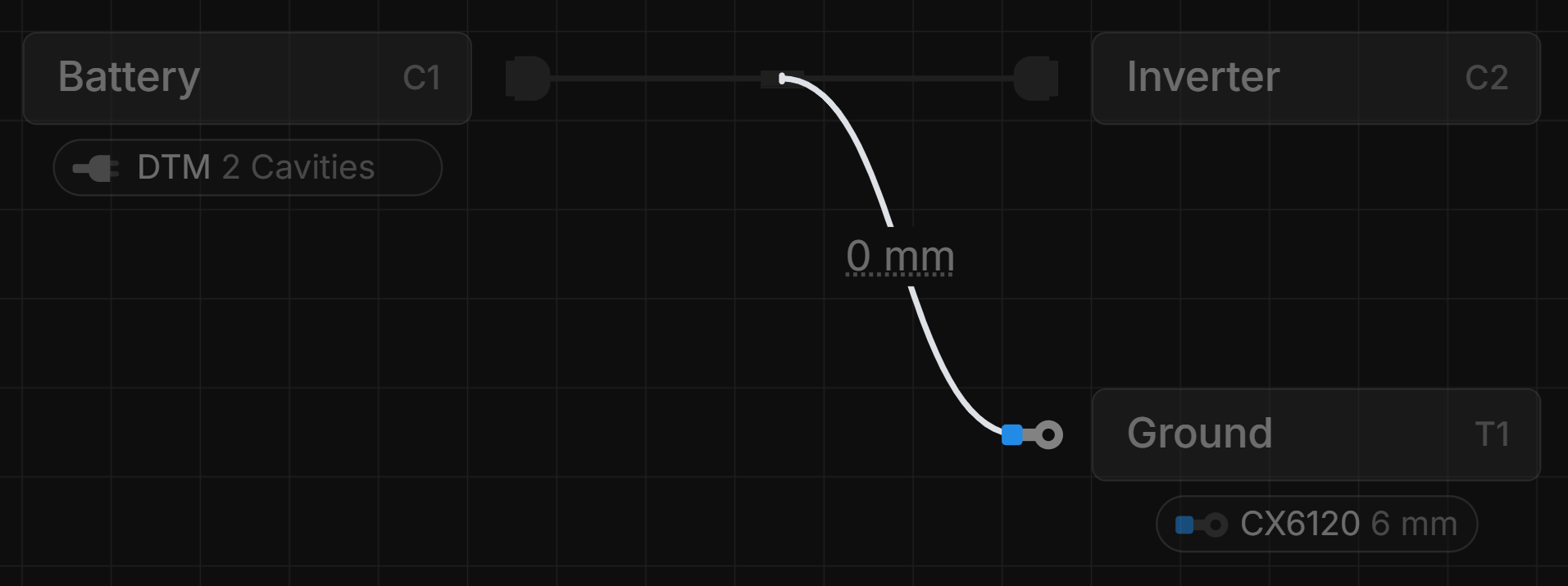
Select a bundle, then double-click the input field to set its length.
You can enter units such as mm, cm, m, in, ft, or yd. The appropriate unit will be applied to the length.
The default length unit can be set under Main Menu → Preferences.
Layout a Bundle
To layout a Bundle you use Layout Points.
Empty Bundles
A bundle with no wires running through it will show up with a dotted line.

Last updated on