Design your Schematic
Open the Schematic View
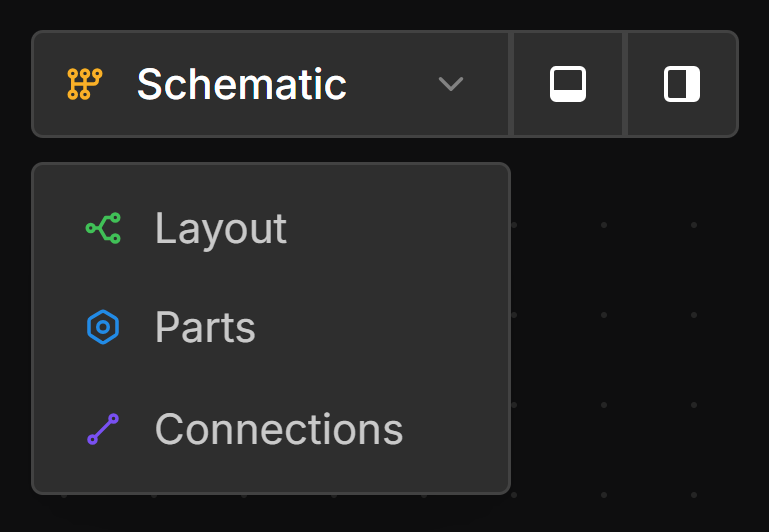
Click the view dropdown and select Schematic.
Add Components
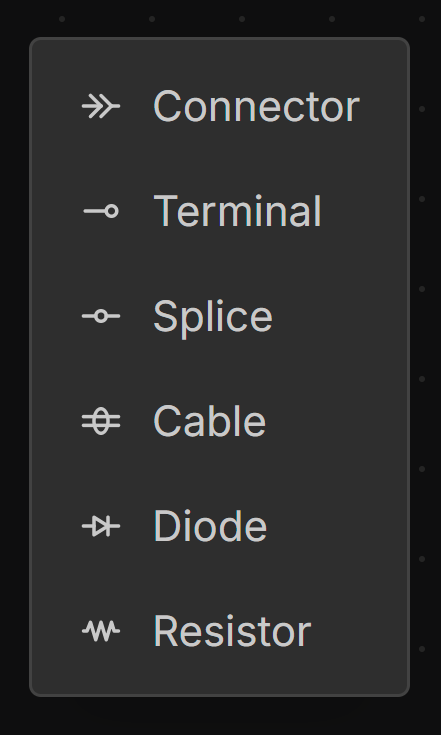
right-click on the canvas and choose a component from the dropdown menu.
Add Wires
left-click-drag from a connection handle on one component to another.
Add Splices
right-click a wire and select Add splice.
Add Layout Points
left-double-click or right-click a Wire to add a Layout Point. More than one Layout Point can be added to a wire for more complex routing.