TeamsPro Feature
Teams let you collaborate on harnesses with your colleagues — share harnesses across the team and edit them together.
Teams are managed from Main Menu → Account → Team.
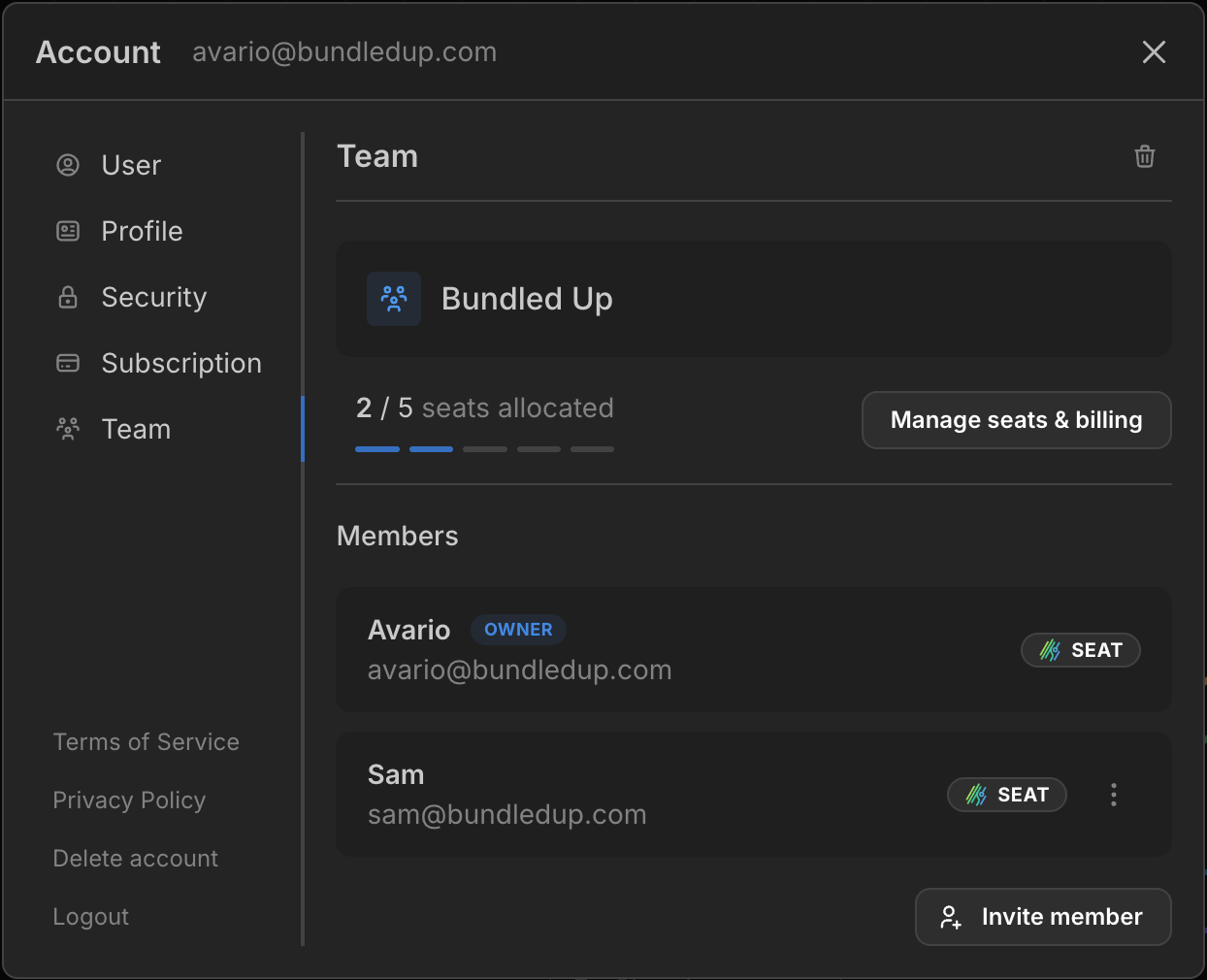
Teams are a Pro feature. You need an active Pro subscription to create a team, and each member needs a seat to edit the team’s harnesses.
How teams work
- A team has an owner (the person who created it) and any number of members.
- The team has a pool of seats, matching the seat quantity on the owner’s Pro subscription. A seat gives a member full Pro access and lets them edit the team’s harnesses.
- You can belong to one team at a time.
In this section
- Creating a team — set up your team.
- Inviting members — invite people and accept invitations.
- Seats — what a seat gives you and how to allocate them.
- Collaborating on harnesses — share and co-edit harnesses and part libraries.