Create and Assign Parts
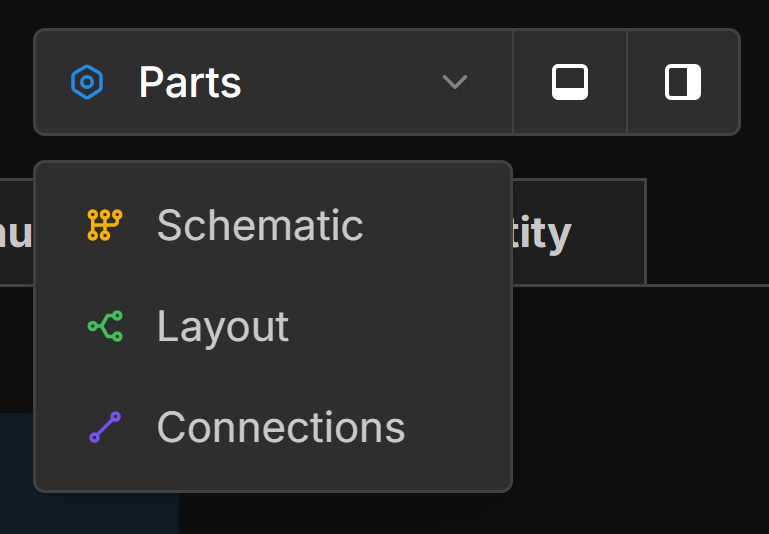
Open the Parts View
Click the view dropdown and select Parts.
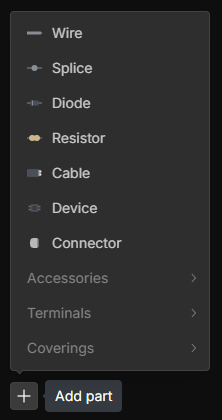
Add Parts
In the Parts View, right-click on the canvas or click the Add part button in the bottom-left corner to add a new Part .
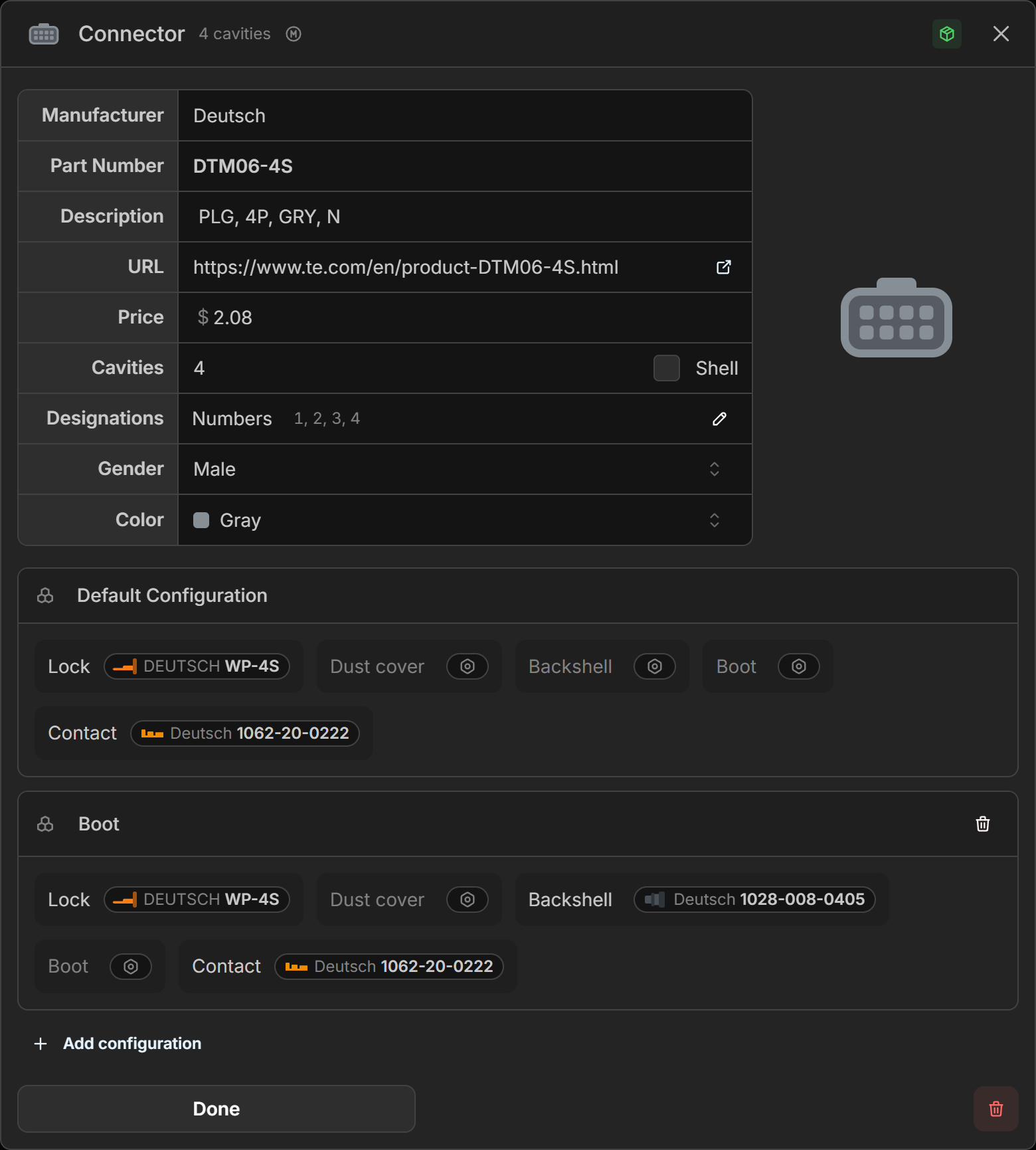
Edit Part Properties
left-double-click on a part name or right-click the part and select the Edit.
Assign Parts
right-click on a component in the Schematic or Layout and select Assign Part. Search for or select that part you would like to assign. The quantities shown in the Parts View will be automatically updated as you assign parts.
The visibility of parts can be toggled on the Layout and Schematic screens by left-clicking Show parts in the bottom right hand corner of the view.