Devices
A device is anything that your harness plugs into. Some examples of devices are:
What harness.design represents
A harness.design document describes the harness, and only the harness. There is no switch component, no relay component and no sensor component, because none of those things are part of the harness you are building. They are the equipment the harness plugs into.
So a device is not drawn as an object. A device is drawn as the connectors and terminals that mate with it, collected into a Group, with a Group Part assigned to that group.
How to represent a device
1. Add the connectors and terminals that plug into it
Work out how the harness physically connects to the device, then add exactly that.
- A device with a single plug gets one Connector.
- A device with several headers gets one connector per header.
- A device with screw posts, studs or blade tabs gets one Terminal per post.
Name them the way they are named on the device itself, so the schematic reads like the datasheet.
2. Group them
Select the connectors and terminals, right-click, and choose Group → New Group. See Creating a Group.
The group is the device boundary. It says these connections all land on the same piece of equipment, without claiming the equipment is part of the harness.
3. Assign a group part to the group
Create a Group Part for the device and assign it to the group. See Assigning Parts.
This is where the device’s part number, manufacturer, price and datasheet link live. The device now appears in your parts list and BOM as a referenced item, while the harness itself still only contains harness parts.
Examples
Switch
Real World Example
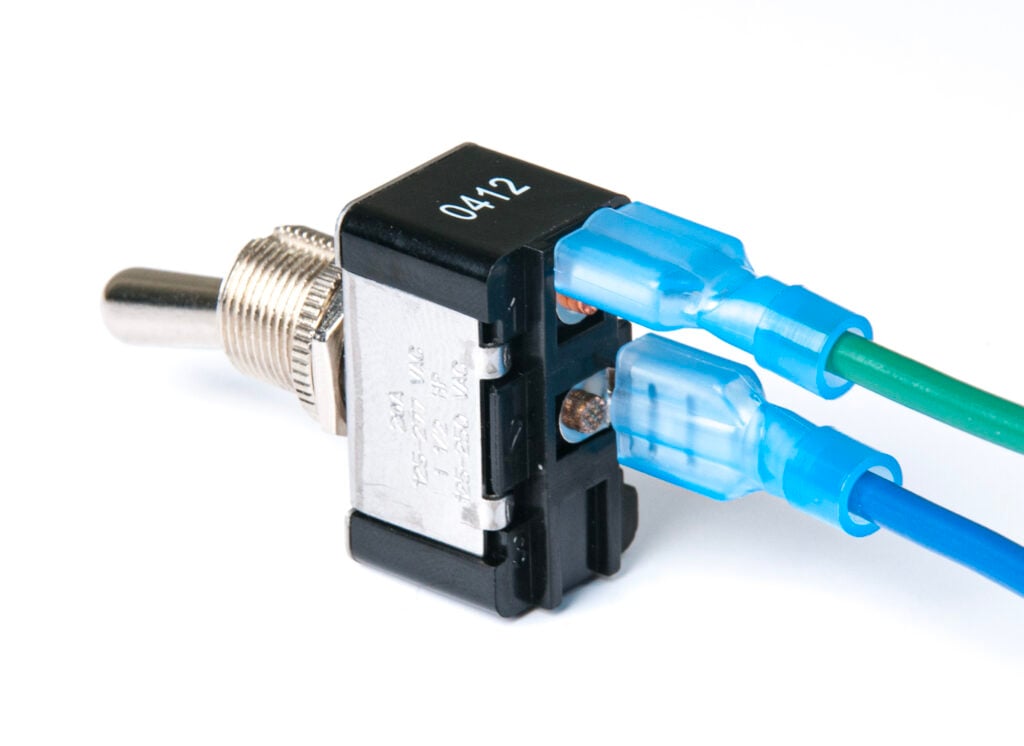
Represented by the female quick connects that are wired into the harness.
Schematic View
Layout View
Relay
Real World Example
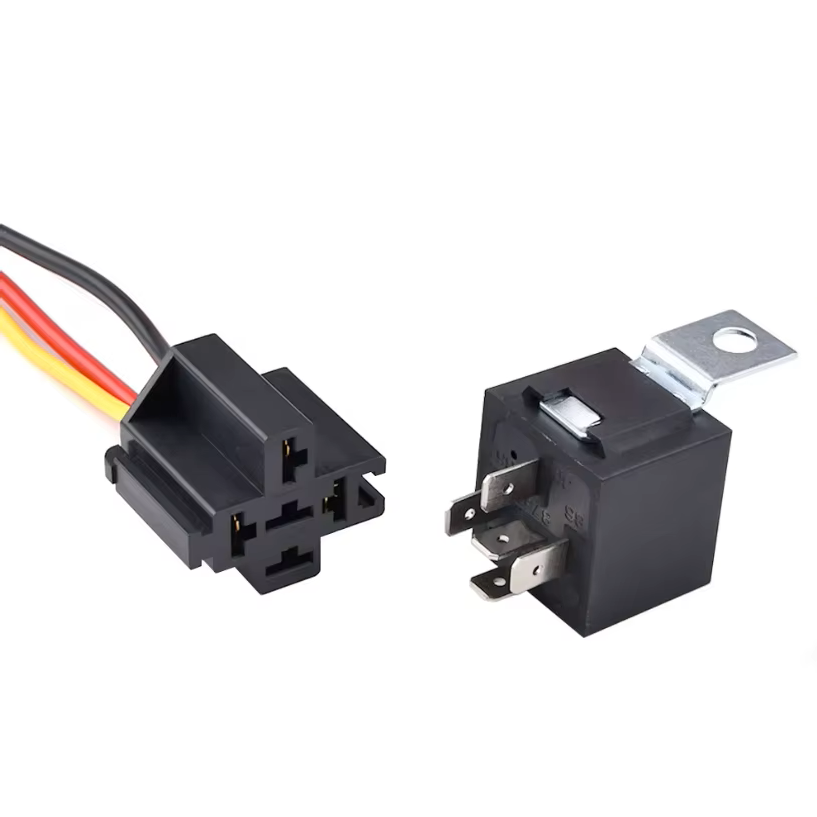
Represented by the plug that it connects to which is then wired into the harness.
Schematic View
Layout View
ECU
Real World Example
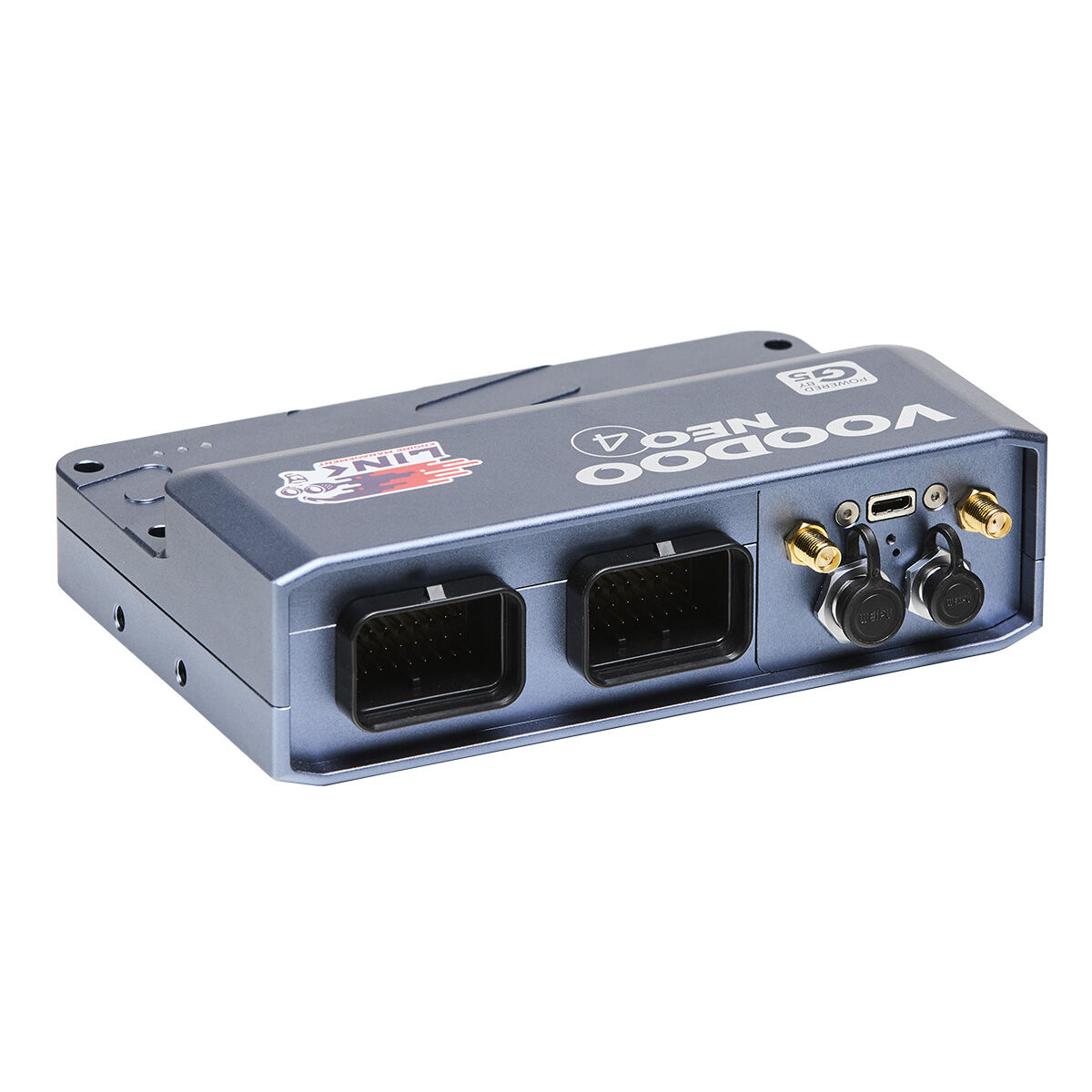
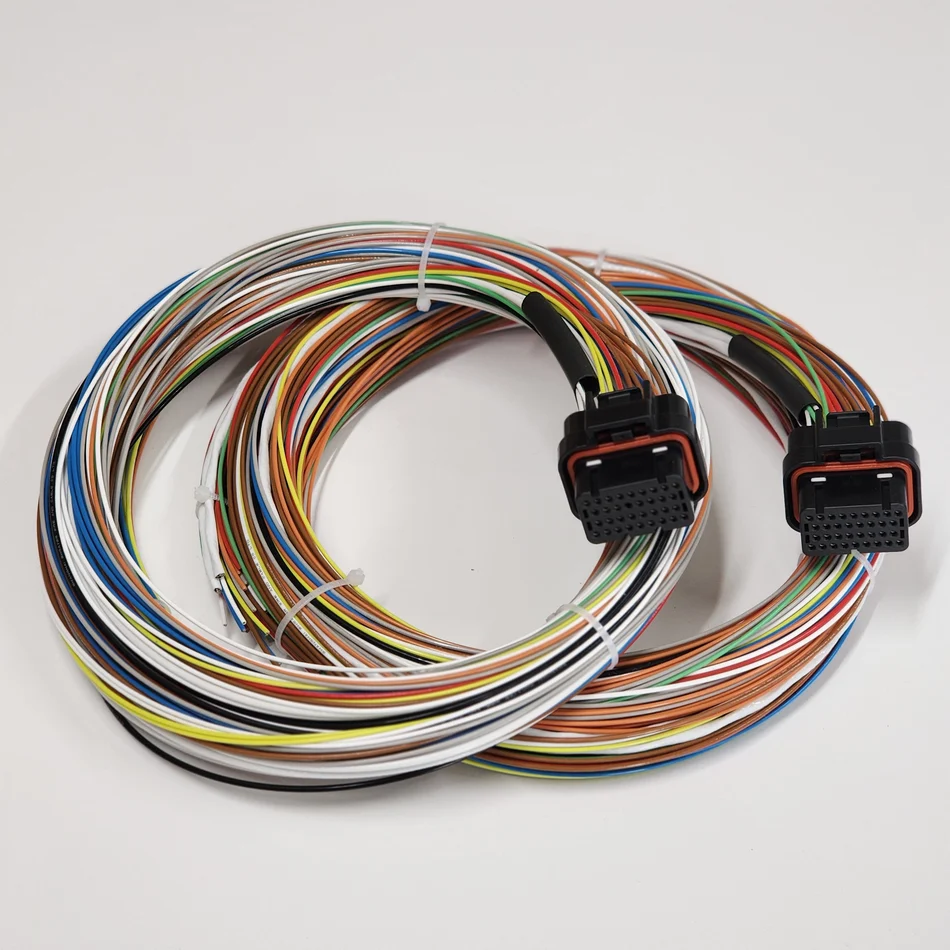
Represented by two connectors that are wired into the harness.
Schematic View
Layout View
Fusebox
Real World Example
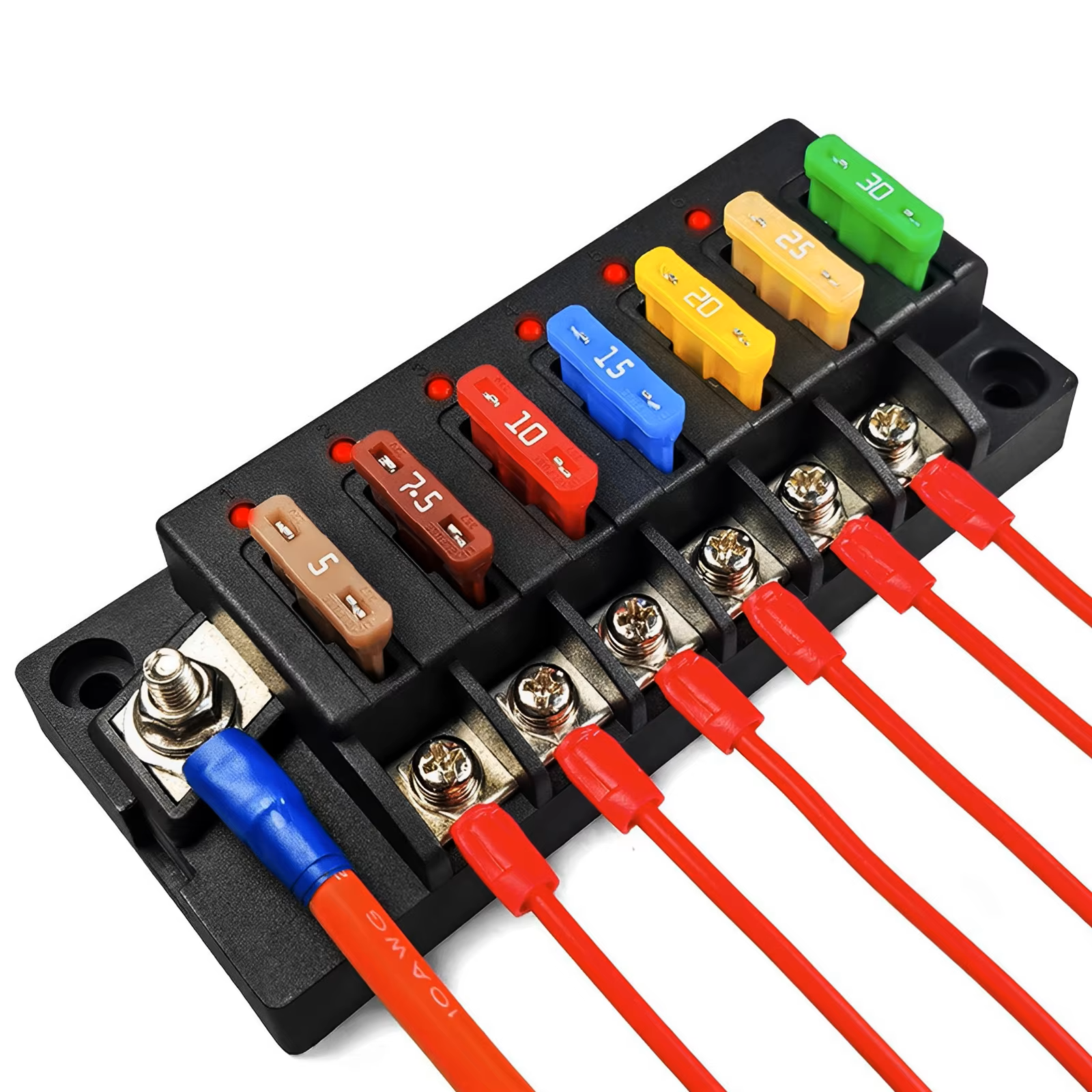
Represented by spade and ring terminals that are wired into the harness.