Twisted Wires
Twisted wires are a group of wires that should be twisted together when the harness is assembled. Usually this will be a twisted pair of two wires.
You can see which wires are twisted together in the Connections View by viewing the Twisted With column.
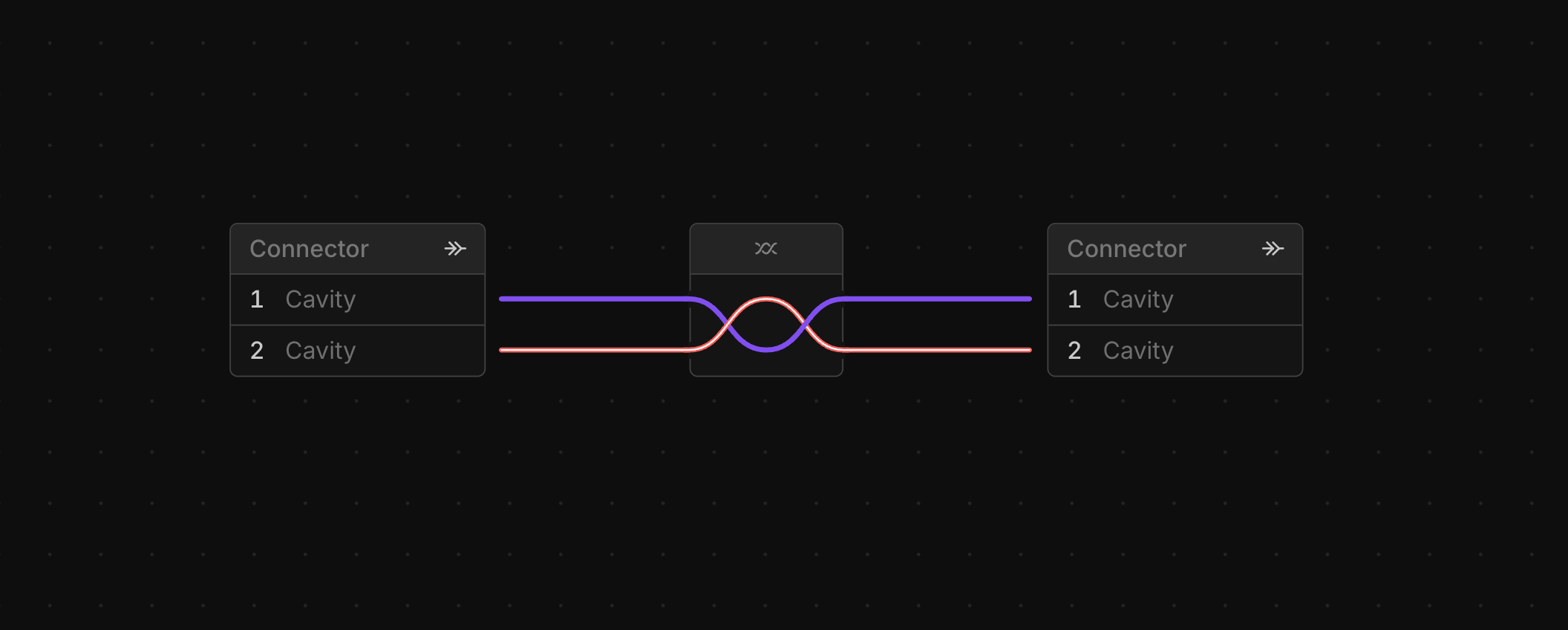
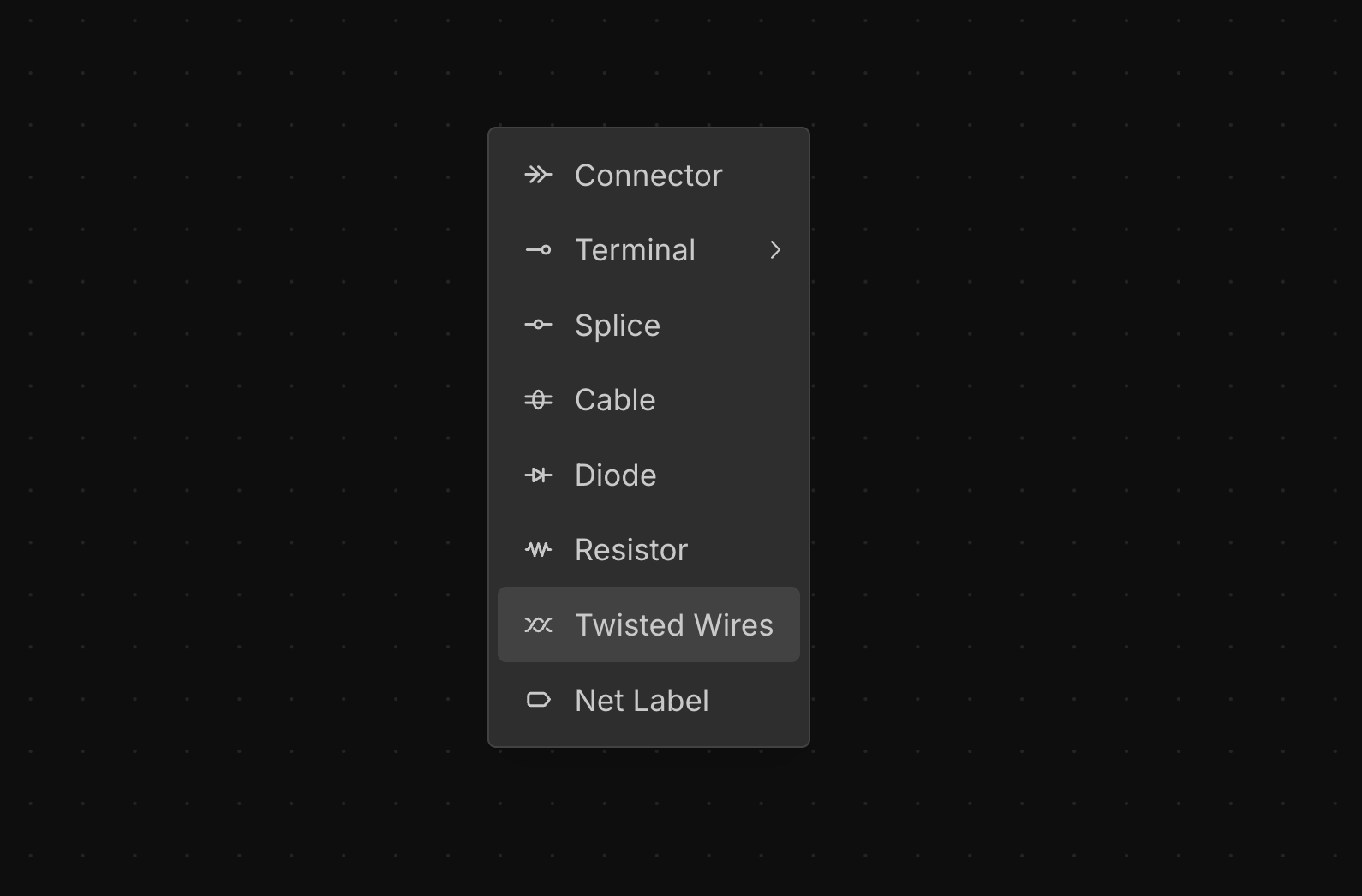
Adding a Twisted Wires
right-click on the canvas in the Schematic View and select Twisted wires to add a new twisted wire group.
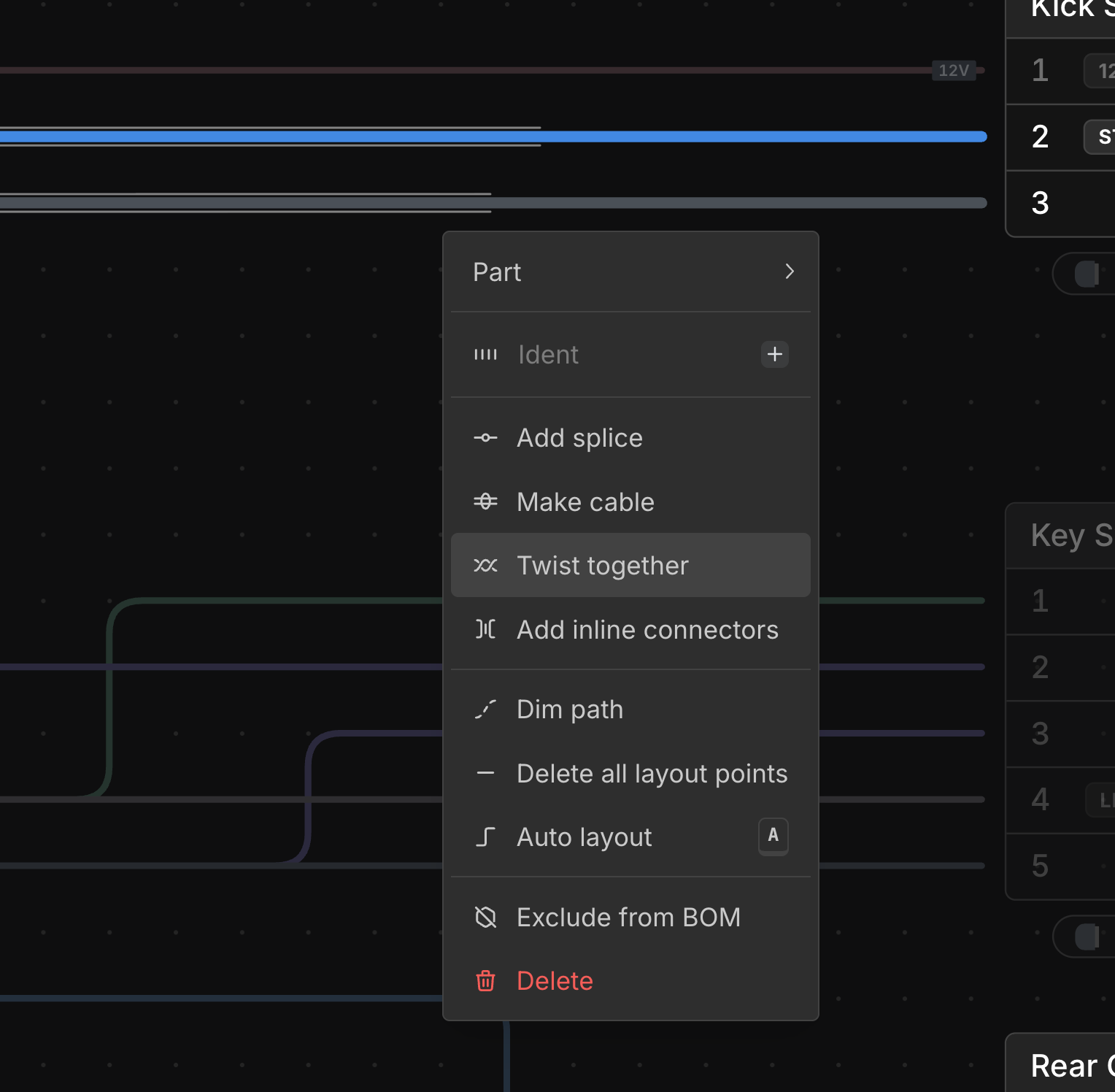
Twist Existing Wires Together
Select multiple wires, right-click, and choose Twist together. This creates a twisted wire group with the selected wires.
Assigning Parts to Twisted Wires
Each wire in a twisted group takes its own Wire Part. right-click a wire in the group and select Assign Part to pick one, or Assign Part → Create new part to make a new wire part from that wire, just as for any other wire.
Cross Sections
In a bundle’s cross section, the wires of a twisted group are packed together as a group, next to each other.
Labelling Twisted Wires
right-click the twisted wires and type a name into the Label field at the top of the menu. The label is used in place of their ID wherever they are named, such as in search, and left-click it on the canvas to change it. See Labelling Components.