Terminal
A Terminal is a single electrical connection point and serves as a termination point in the harness. Each terminal can be assigned a Terminal Part.
Terminals can be assigned Coverings.
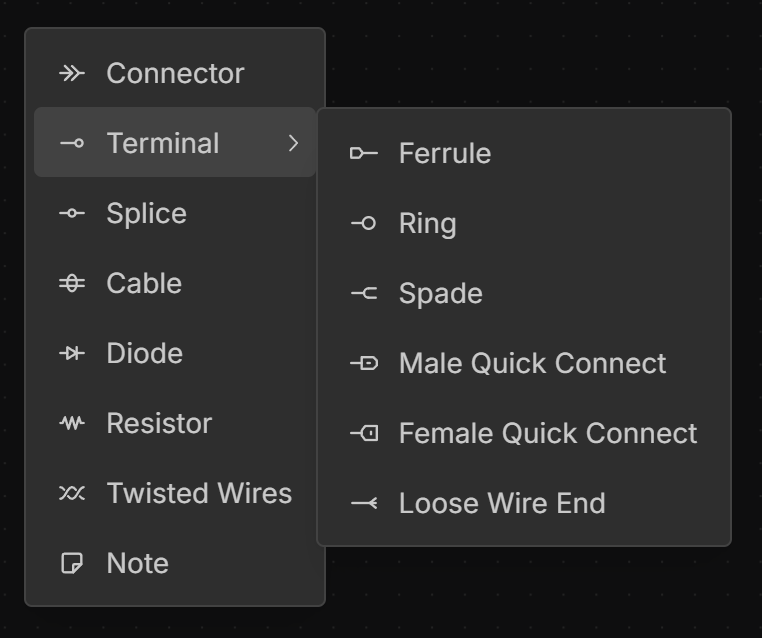
The following are the supported terminal types:
- Ferrule
- Ring
- Spade
- Male Quick Connect
- Female Quick Connect
- Loose Wire End
Adding a Terminal
right-click on the canvas in the Schematic or Layout view then use the Terminal submenu to select the terminal type.
Editing Terminal Signals
left-double-click any terminal signal to edit it.
Adjusting the Width of a Terminal
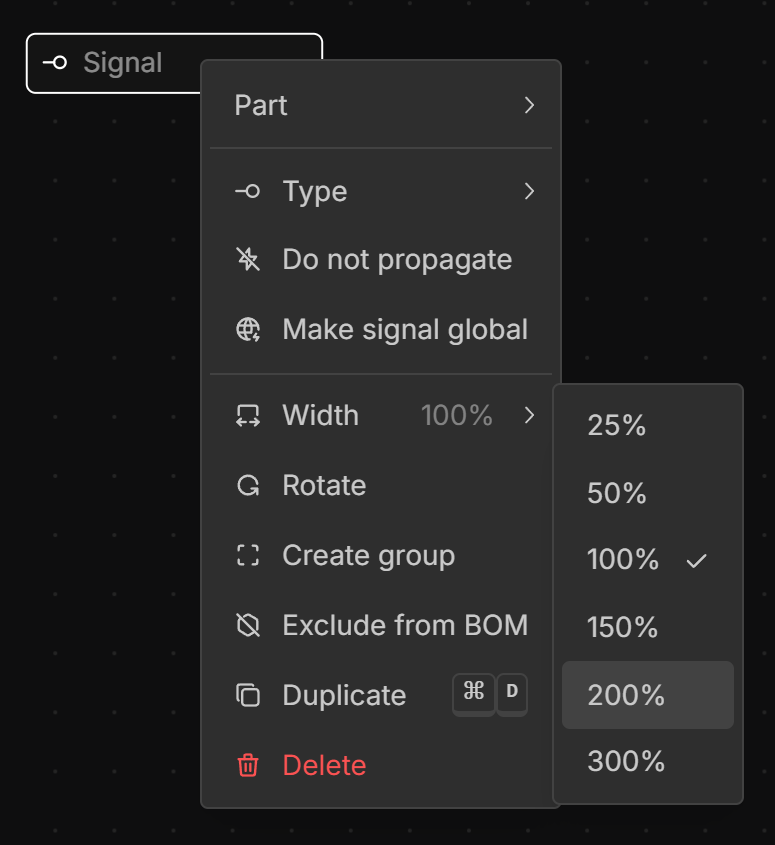
If the signal label is too long, right-click the Terminal, select Width, and set the desired width.
Rotating a Terminal
Terminals can be rotated 90° in the Schematic view to improve complex layouts. To rotate , right-click a Terminal and select Rotateor select a terminal and hit the R key.
Mating a Terminal
To mate a Terminal to a connector or another terminal see Mates.