Mobile Support
Mobile devices are supported in read-only mode. Perfect for when you are on the shop floor or at the racetrack and need to troubleshoot your harness.
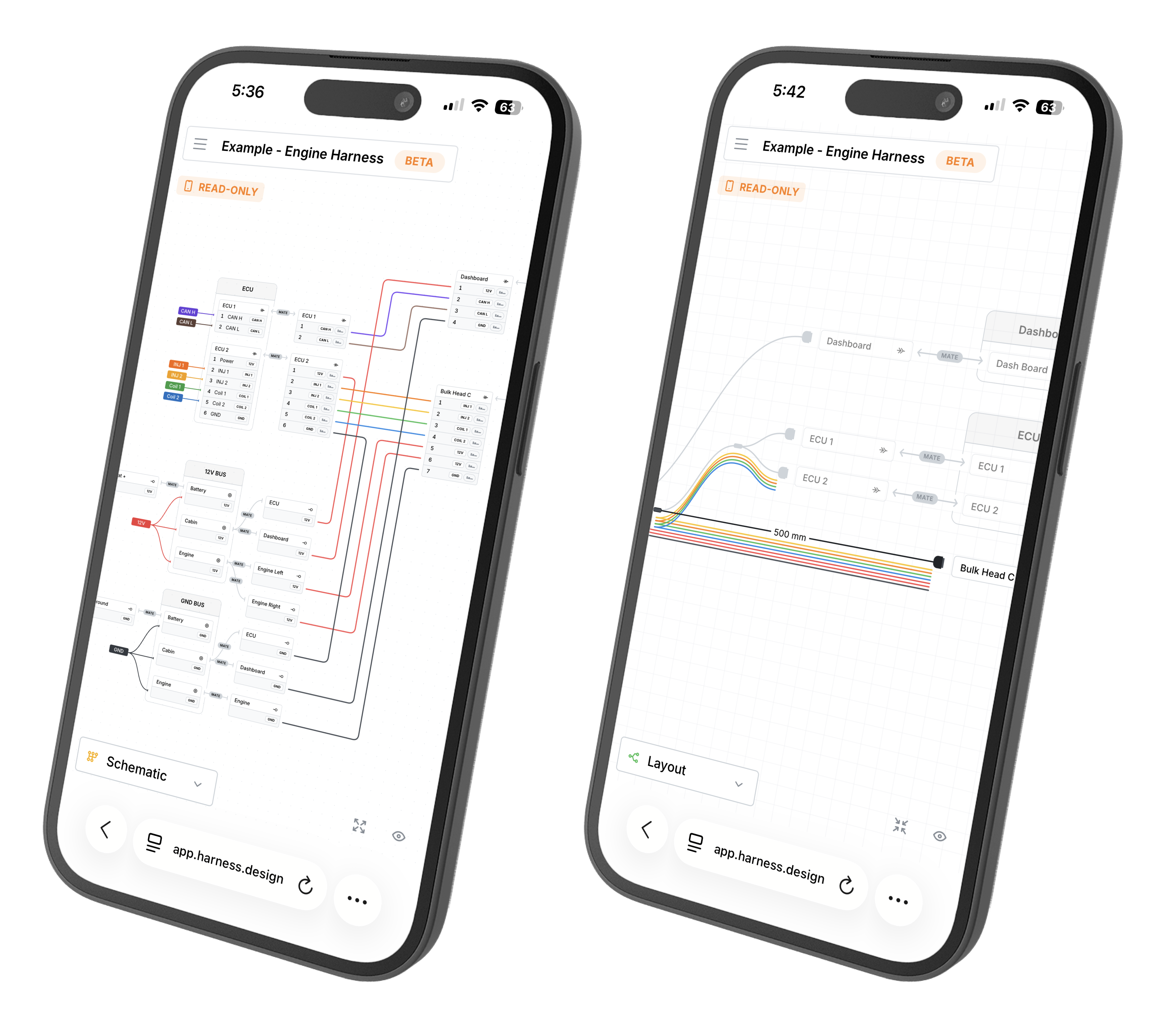
Opening a Harness on Mobile
Go to app.harness.design and log in to your account. Goto Main Menu → Open… and select the harness you would like to view or simply open a public link shared with you.
Viewing on a Phone
The canvas keeps its controls to a minimum on a phone so the harness has as much of the screen as possible. The pane search and the selection details panel are hidden, and the view controls in the bottom right are reduced to two: Highlight nets, to switch between highlighting a wire’s whole net and only what it connects to directly, and Show parts.
Pinch the canvas to zoom. Pinching on the view switcher or the controls doesn’t zoom the page itself.