Layout your Harness
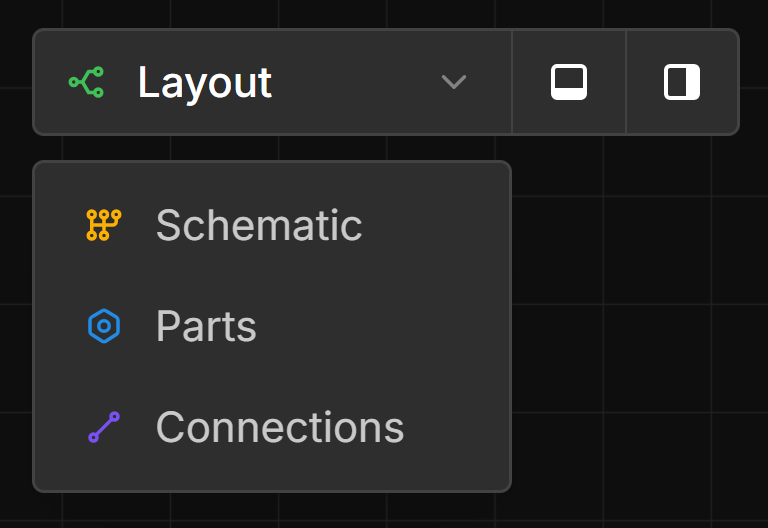
Open the Layout View
Click the view dropdown and select Layout.
Add Bundles
left-click-drag from the connection point of a Connector, Terminal, or Branch Point to another.
Wires from your schematic will be automatically routed using the shortest bundle path.
Layout Points can be added to Bundles in the same way as a Wires.
Add Branch Points
right-click on a Bundle and select Add Branch Point from the context menu.
Locate Internal Components
Splices, Diodes, and Resistors are automatically positioned to minimise wire lengths. To place them manually, left-click-drag from a location handle to a specific branch point or component.
Set Bundle Lengths
Select a Bundle, then left-double-click the input field to set its length.