Skip to Content
Quick StartReview Connections

Review Connections

Open the Connections View

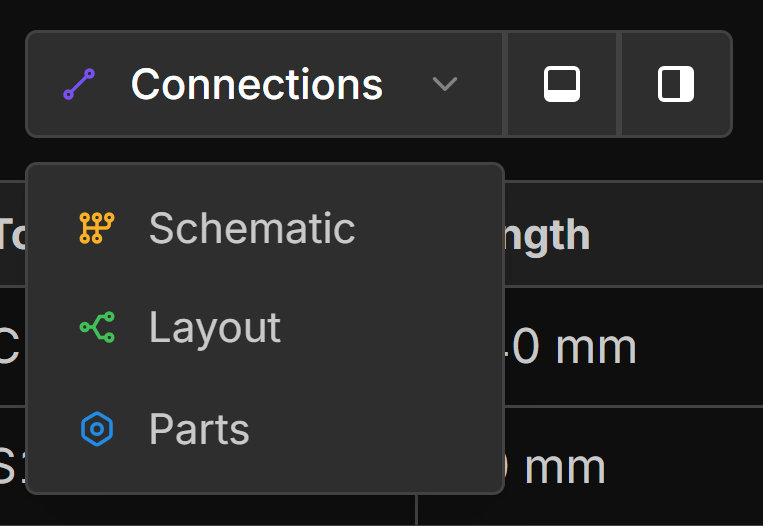
Click the view dropdown and select Connections.

Review Connections

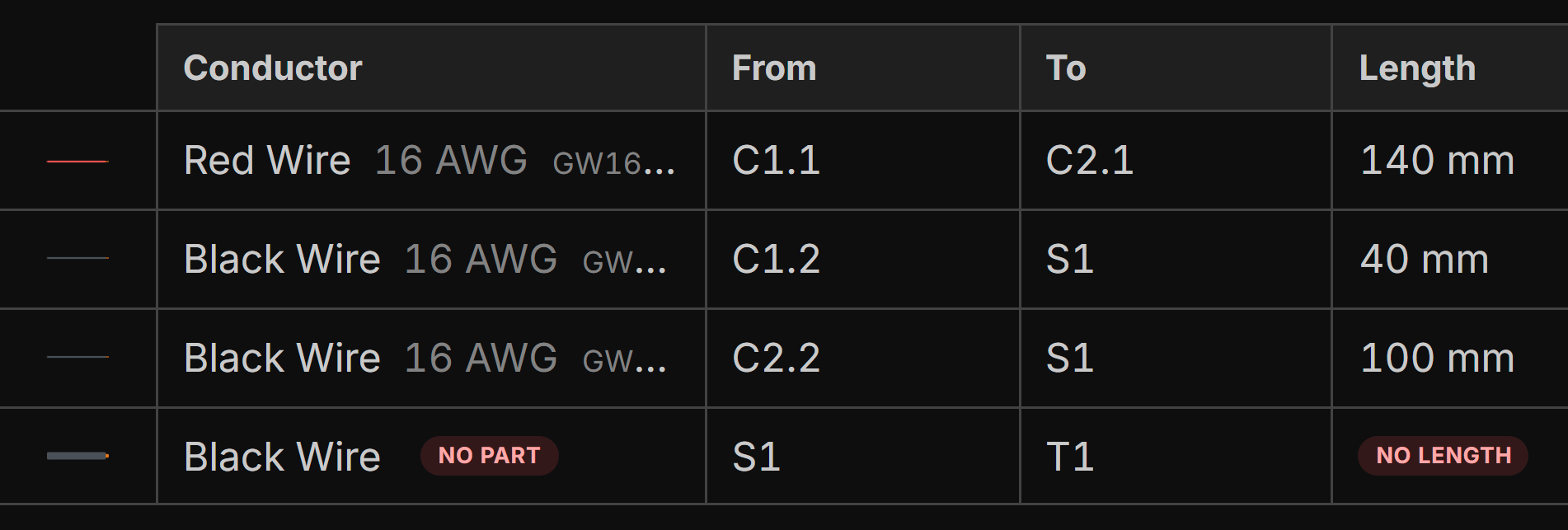
The connections table lists all wires in your harness, including their source and destination. Wire lengths are automatically calculated based on the bundles they pass through.


Connections View, View Options

  • Show IDs instead of labels will change the From and To columns to show either the component label or the automatically generated component ID.
  • Show contacts will show the contact a connection is terminated with if applicable.
  • The remaining options allow you to hide and show specific columns in the connections table.

Last updated on