Layout
The Layout view is a visual representation of the physical layout of the harness. In this view you can add Connector, Terminal and Branch Point Components and connect them together with Bundles. You can then assign specific Parts to each component such as Coverings.
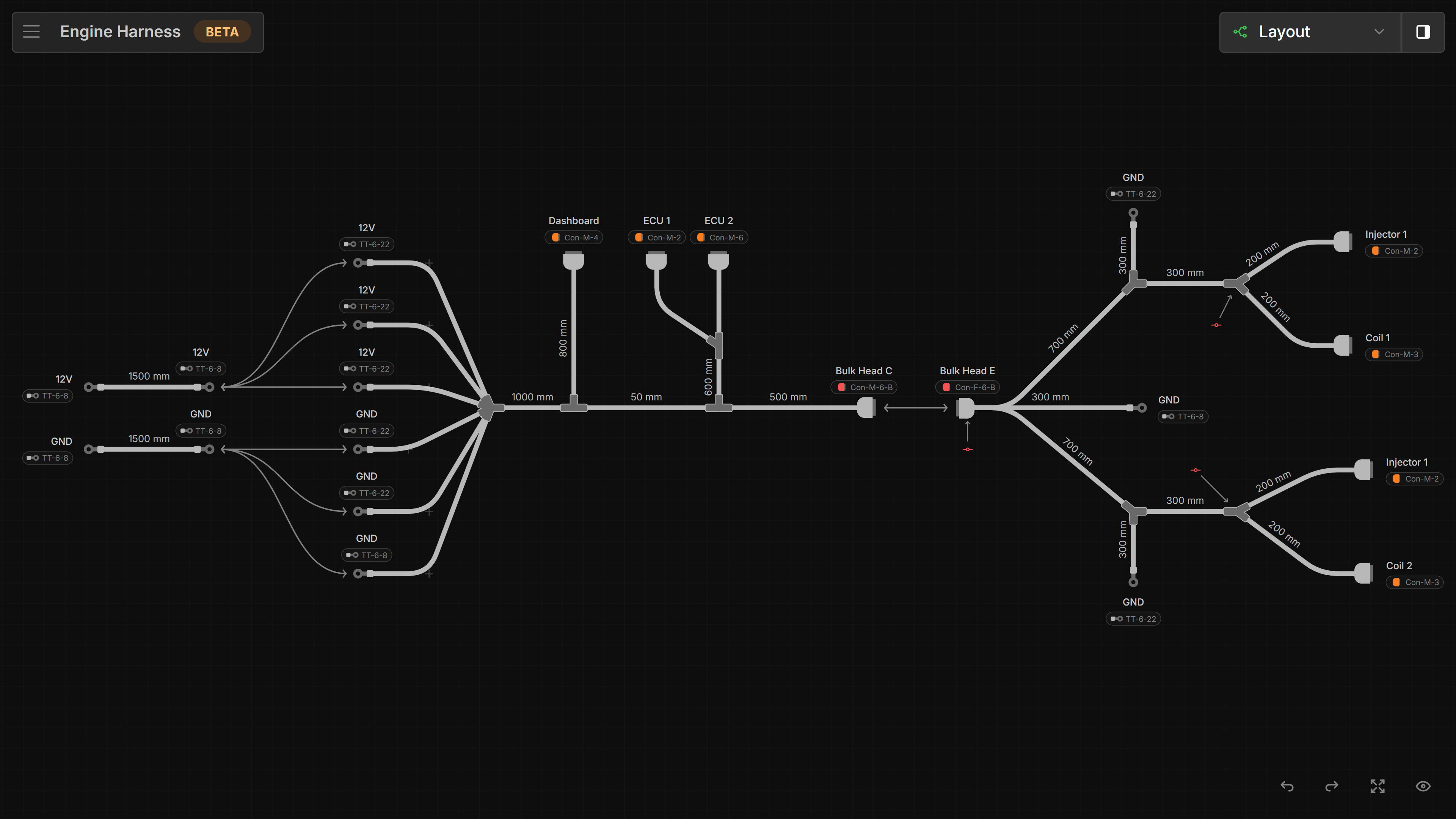
Canvas
This is where Components are placed and connected together with Bundles.
right-click anywhere on the canvas to open the context menu and add Components.
right-click any component to assign a Part.
Buttons
Fit to view - Fits the entire schematic within the viewable area
Fit to view - If an item is selected, it will center and zoom in on the selected item
Highlight nets - Toggles between showing the complete path of conductance and showing what is directly connected to the selected component. More info
Set all bundle lengths to scale - Shown in formboard mode. Moves components so every bundle is drawn at its set length. More info
Dash empty bundles - Bundles with no wires routed through them appear as dashed.
Show inline components - Toggles the visibility of Splices, Diodes and Resistors on the layout. Hide them to declutter a layout where their exact position doesn’t matter; the bundles they sit on stay in place, and a component selected in the Schematic view is always shown. Hidden inline components are also left off the layout PDF export. Press
Jto toggle.Show parts - Toggles visibility of assigned parts
Show coverings- Toggles visibility of covering partsShow destinations - Toggles the visibility of destinations on the selected connector or terminal. More info
Show component IDs - Toggles the visibility of ID’s on components
Show warnings - Toggles the visibility of errors on the harness