Resistor
A Resistor limits electrical current and reduces voltage in a circuit. Resistors can be assigned a resistor part.
Boots and Coverings are added to a resistor through a configuration of its part, and apply to every resistor using that configuration. To cover only some of the resistors using a part, give them a configuration of their own. See Assigning Coverings.
Adding a Resistor
right-click on the canvas in the Schematic view and select Resistor.
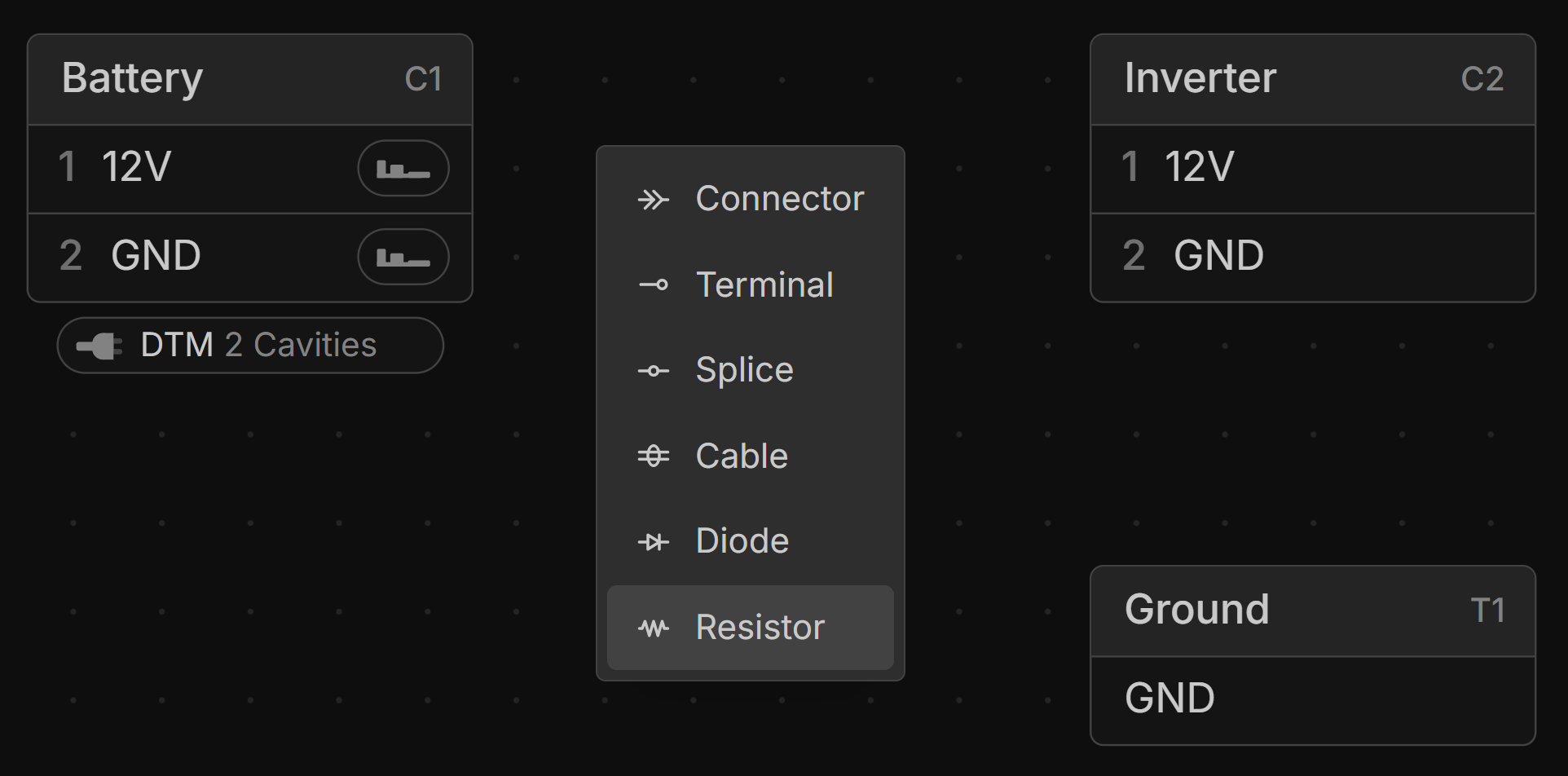
Locating a Resistor
Resistors are located on the Layout view the same way as Splices. Hover over the resistor to show a location handle on each side, then left-click-drag from either handle to where it sits.
View Resistor Component IDs
Viewing the component ID of a resistor on the Layout and Schematic is done the same way as for a Splice.
Labelling a Resistor
right-click the resistor and type a name into the Label field at the top of the menu. The label is used in place of the resistor’s ID wherever it is named, such as in the Connections view and wiring tables, and left-click it on the canvas to change it. See Labelling Components.