Export or Share
Export
Go to Main Menu → Export and select what you would like to export.
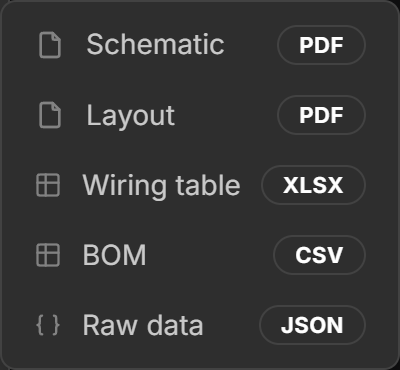
See Export for more information.
Share
If you just want someone to see your harness, share it directly instead of sending them an export. A shared harness is always the latest version, viewers can explore every view themselves, and nothing needs re-exporting after a change.
Go to Main Menu → Share.
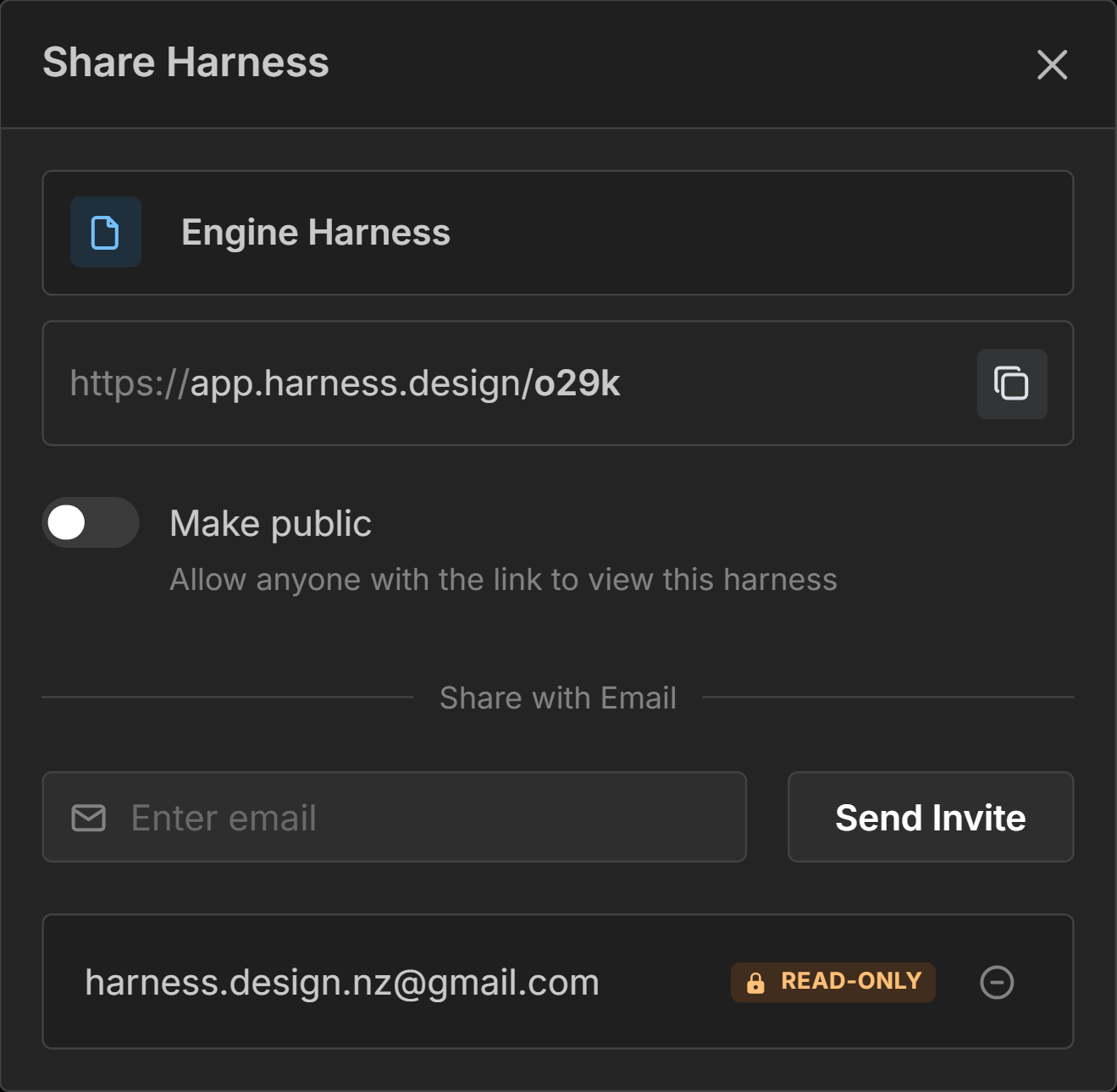
From here you can either:
- Copy the harness link and make the harness public, so anyone with the link can view it.
- Invite specific people by email, so only they can open the link.
Shared viewers get read-only access. Only you can edit your harness.
See Sharing for more information, including embedding a harness on another website.