Nets
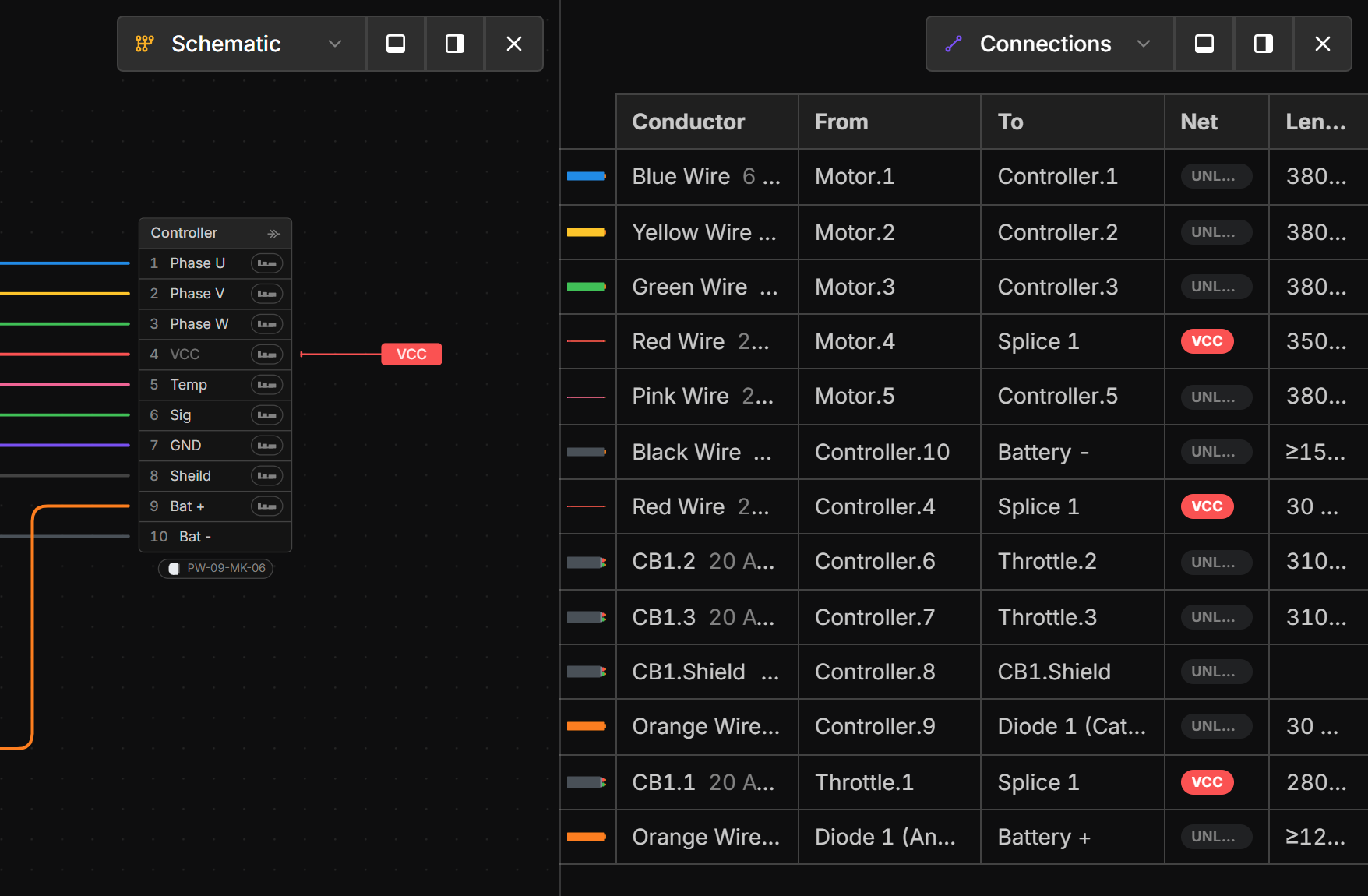
Select any part or component to quickly visualize where it is used across the views and the net it is connected to. The following are some examples:
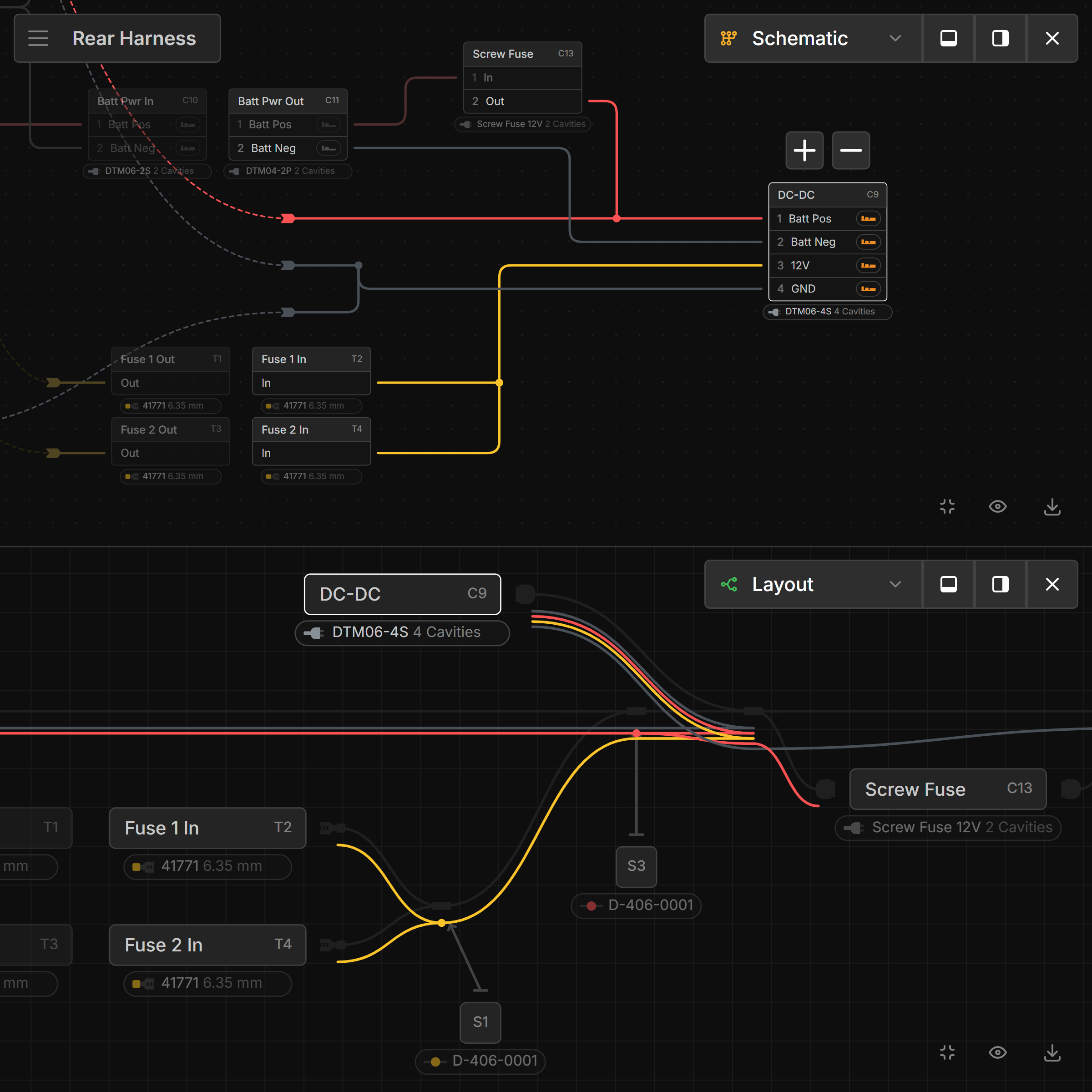
Connector Pinout
Selecting a Connector will show all wires it is connected to and their path through the harness.
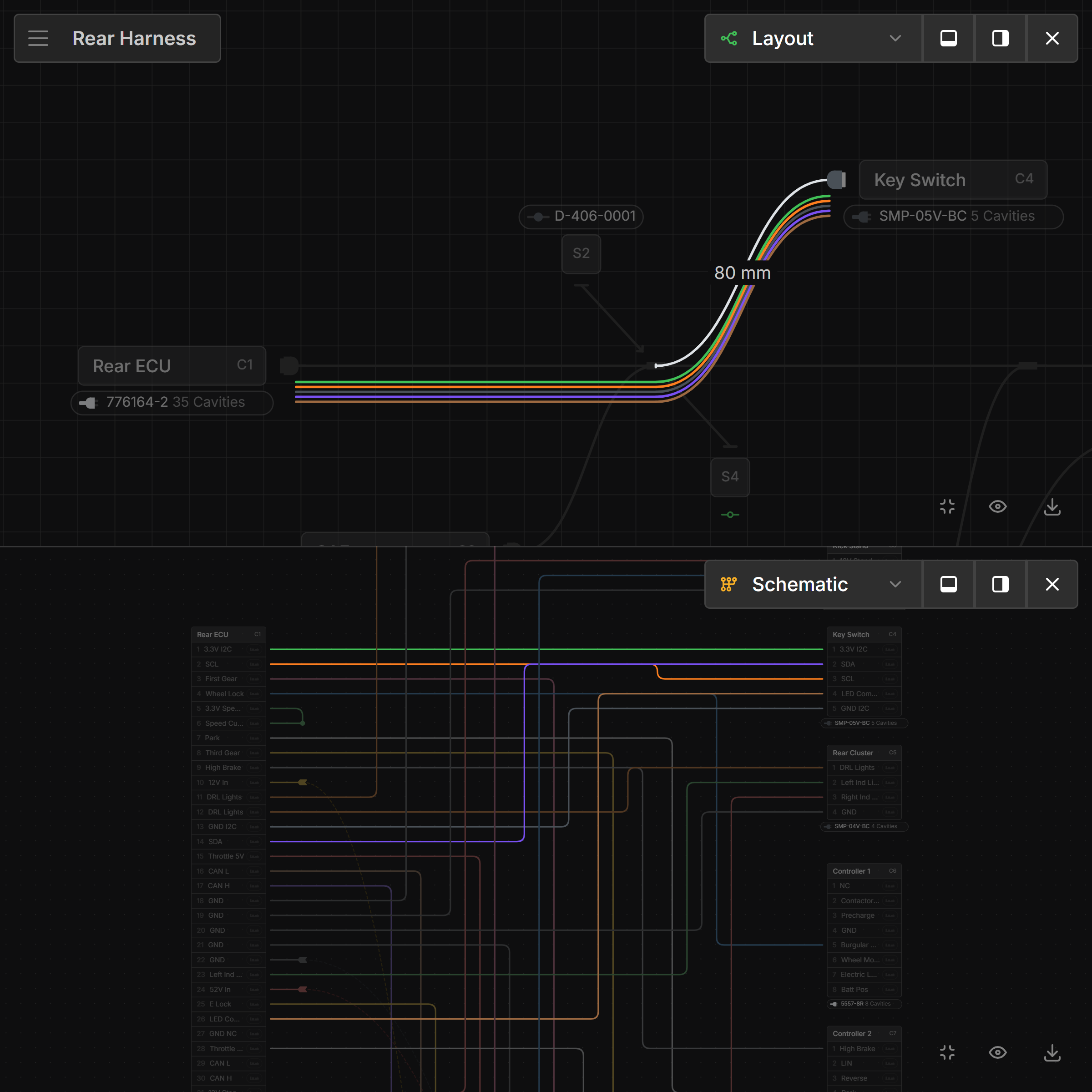
Looking Inside a Bundle
Selecting a Bundle will highlight the wires going through it and show the nets they are connected to.
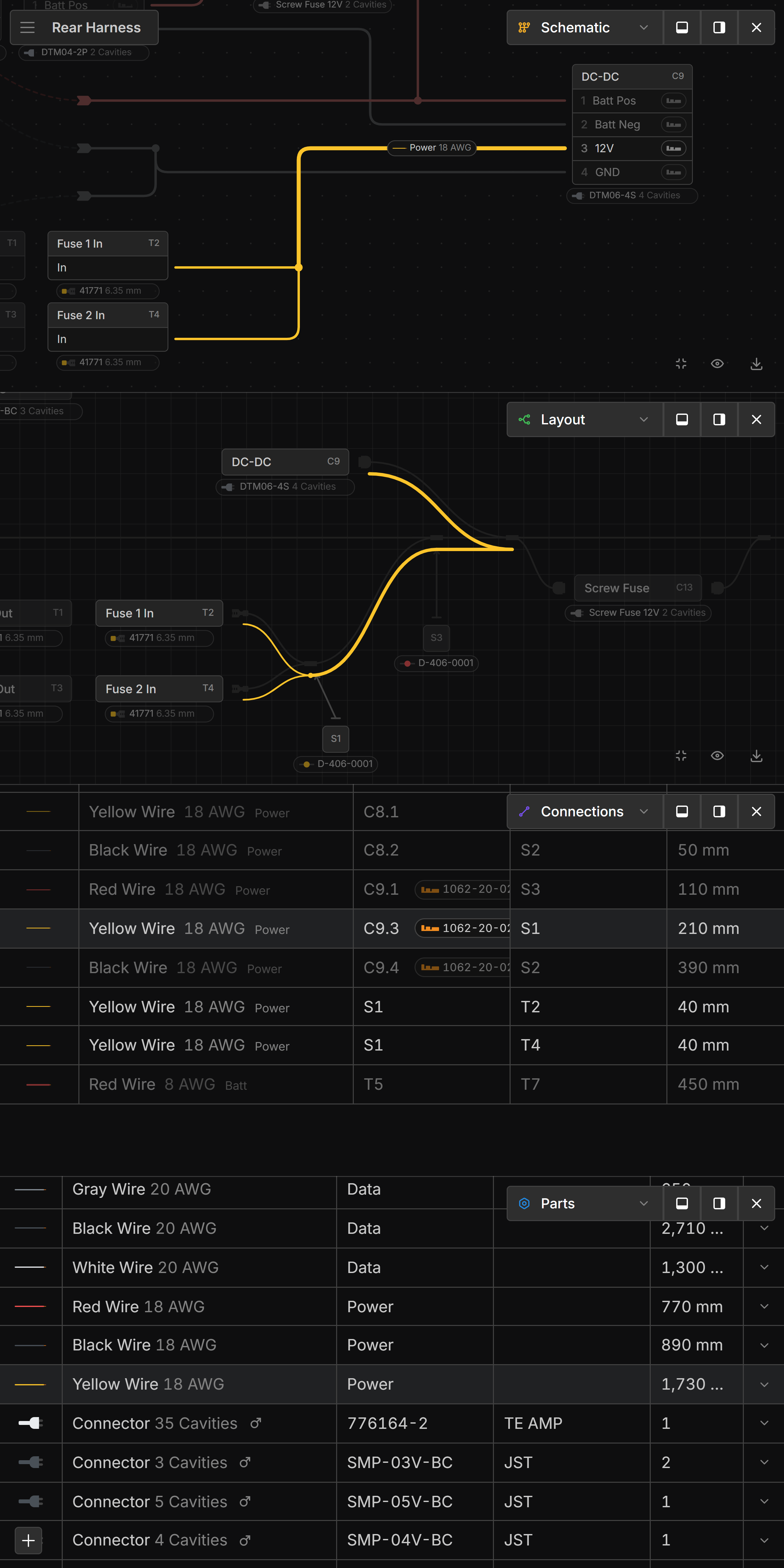
Viewing a Wire’s Net
A Wire selected in any view will carry through to all the other views, showing both the wire and the net it is connected to.
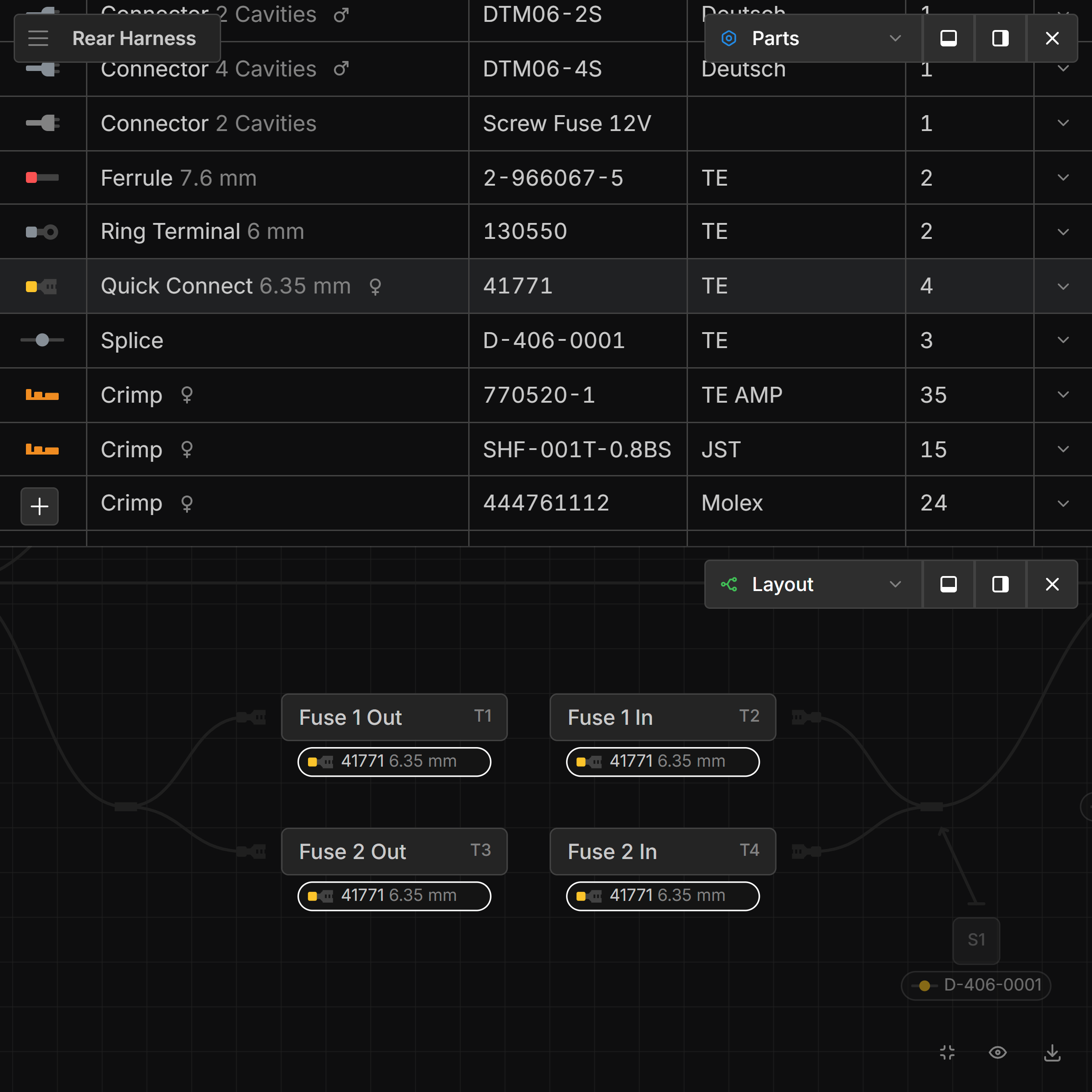
Part Usage
Selecting a Part in the Parts screen will highlight where it is used in the other views.
Net Labels
Net Labels can be used to label nets. See Net Labels for more information.
Last updated on