Preferences
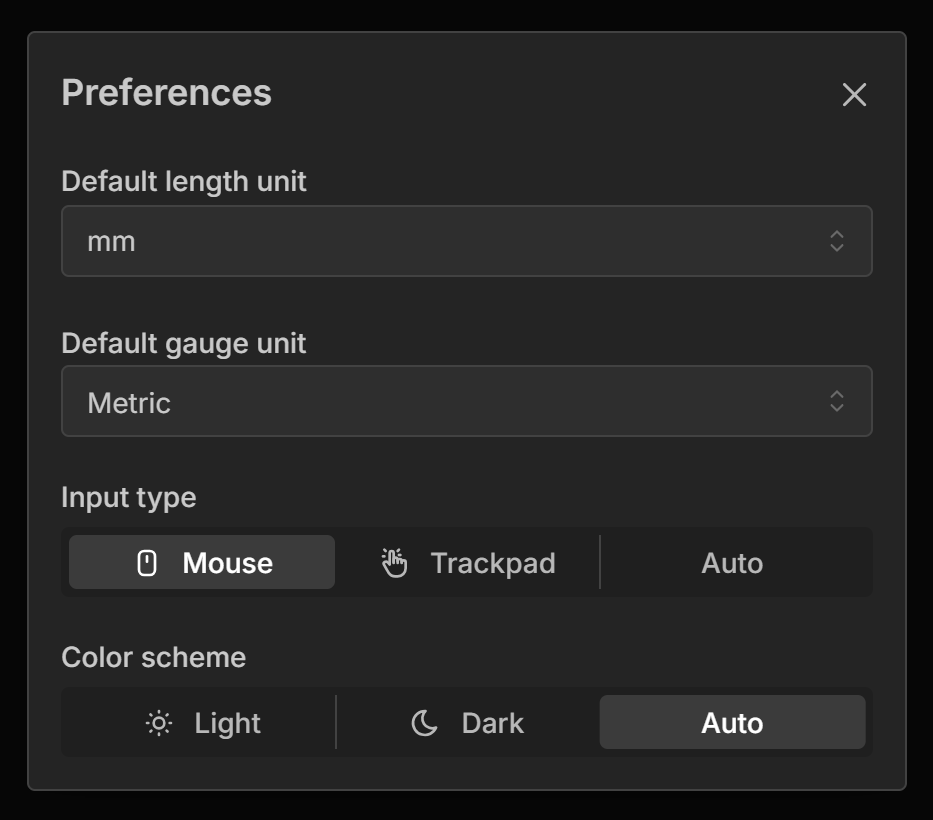
The Preferences panel allows you to set default global settings for the software.
Opening Preferences
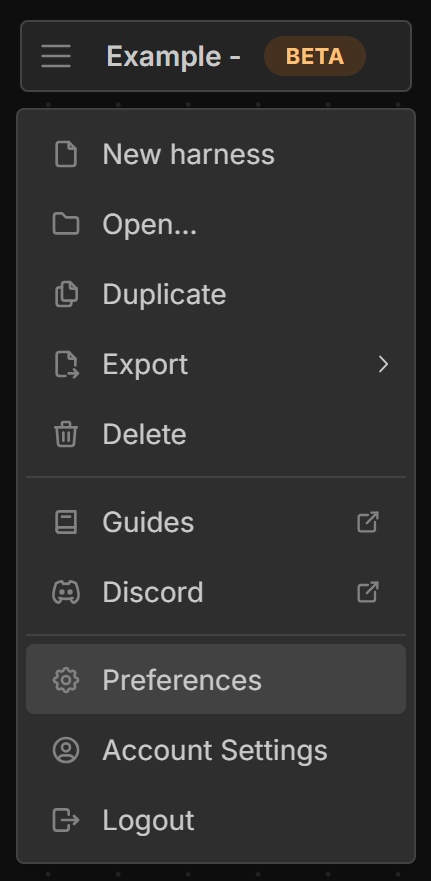
Open the Main Menu (by selecting the three horizontal lines in the top left corner of the screen) and select Preferences.
Default length unit
This sets the default length unit used throughout the software.
Default gauge unit
This sets the default gauge unit used throughout the software. For metric mm² is used, while for imperial AWG is used.
Input type
This allows you to force the software into responding as if you are using either a mouse or touch input device. Auto will detect what type of device you are using but sometimes this can lead to unexpected behaviour.
Color scheme
The software supports both light and dark color schemes. You can set your preference here or choose to follow the system settings.
Last updated on