Sharing your Harness
To let other people view your harness, go to Menu → Share.
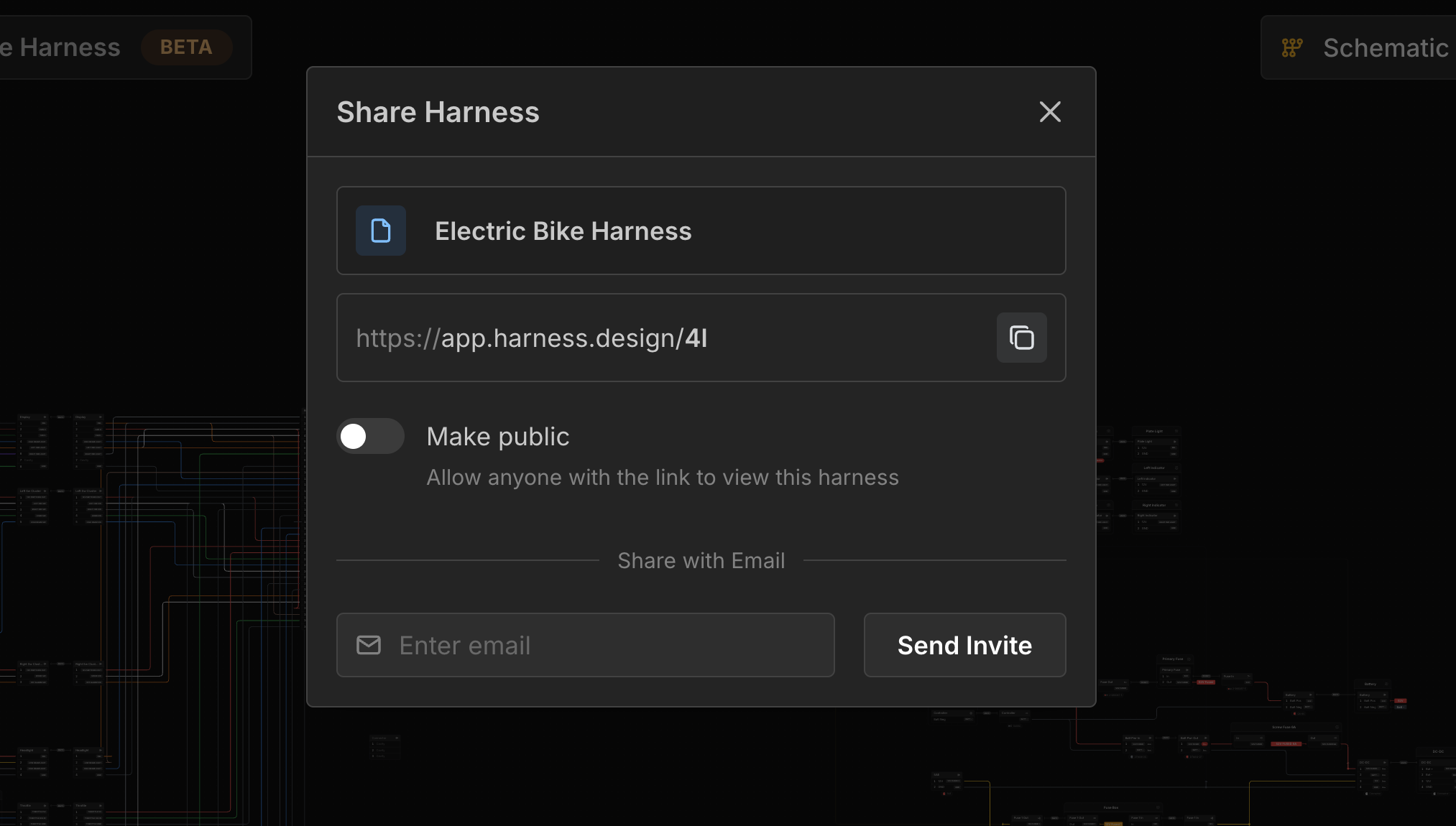
Only the harness owner can edit the harness. Anyone the harness is shared with will only be able to view it in read-only mode.
Make your Harness Public
Toggle Make public to allow anyone with a link to view your harness.
Share your Harness with an Email
Enter an email and click Send Invite to allow the user with that email address to view your harness.
An email will be sent to the address with a link to view the harness. They will need to create an account if they don’t already have one.
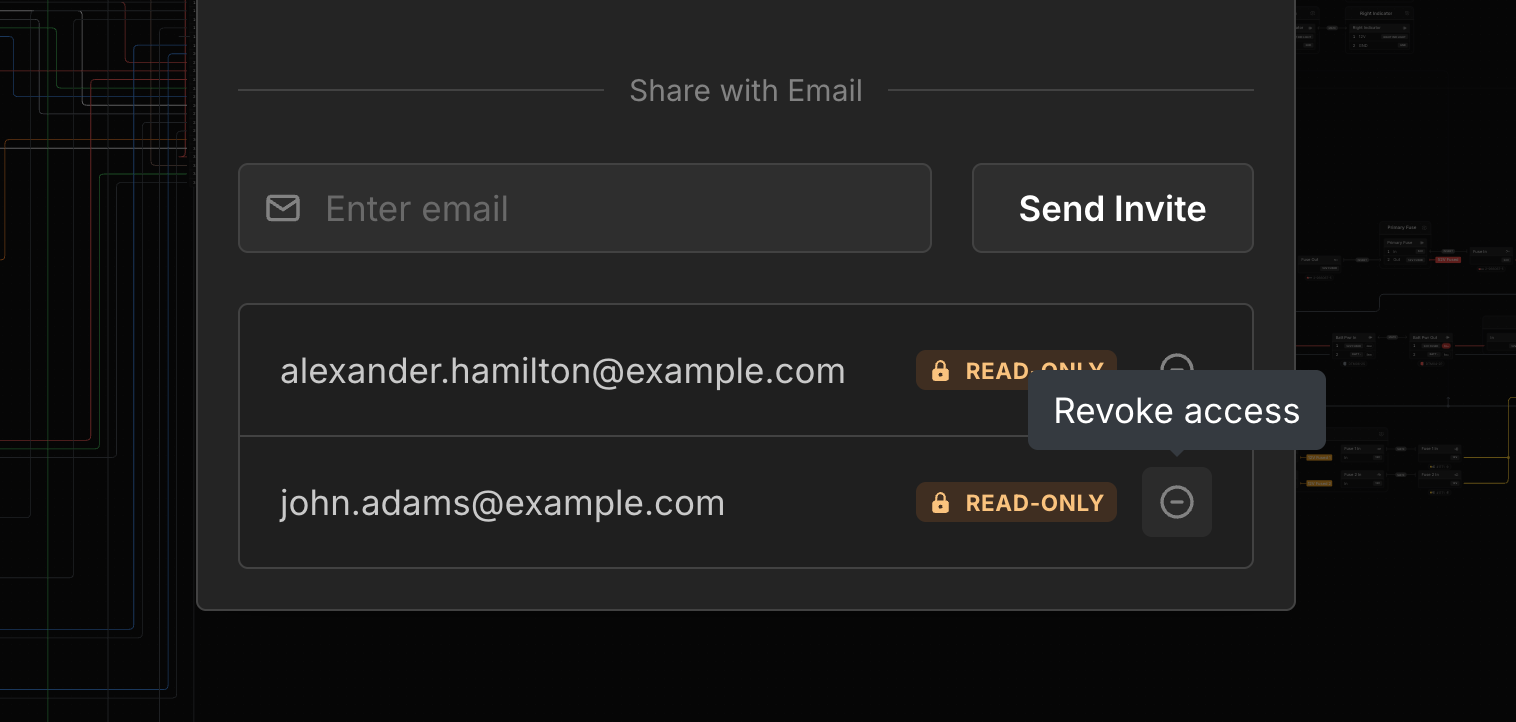
Revoke Email Access
Click the Revoke access button next to an email to revoke their access to view your harness.
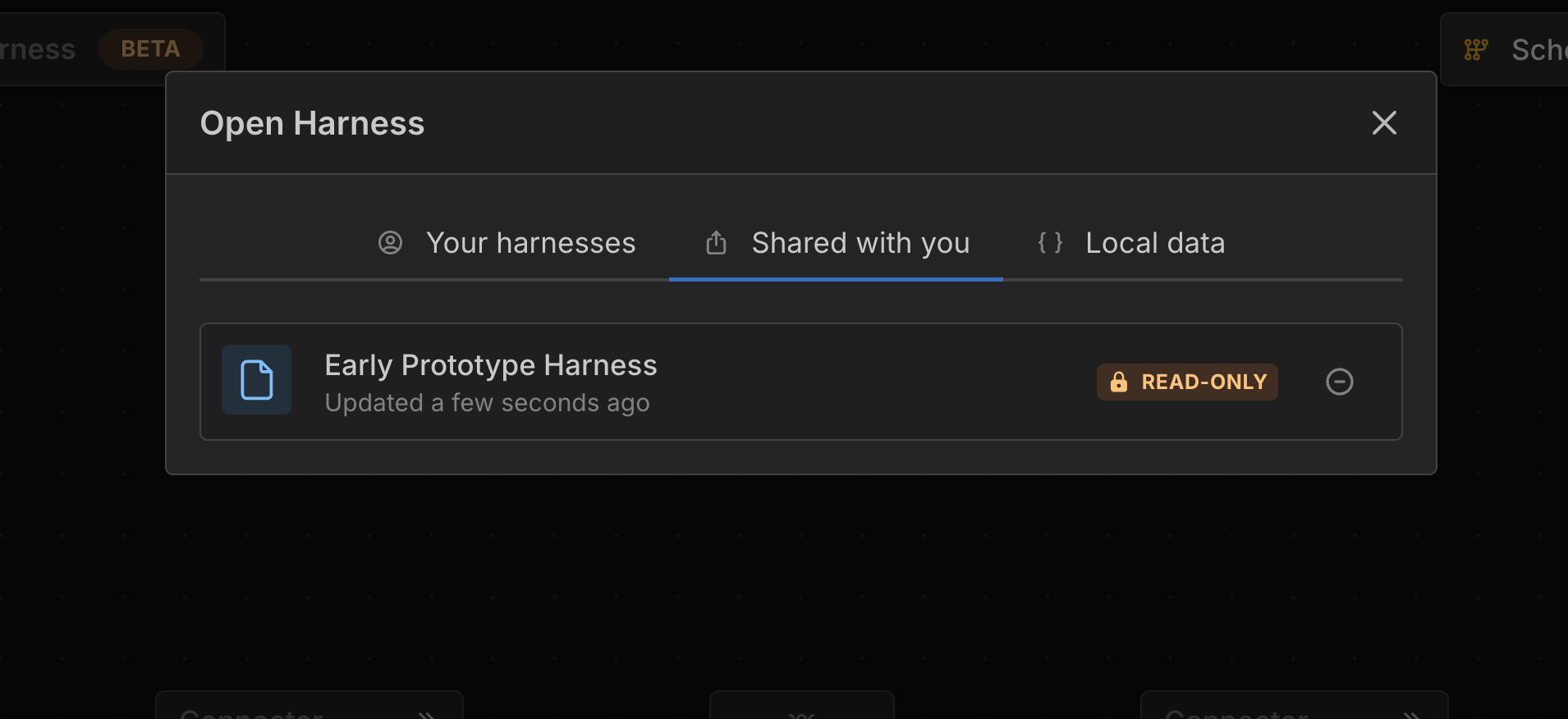
Viewing Harnesses Shared with You
To open a harness shared with you by email, select the Shared with You tab in the Open window.
Last updated on