Splice
A splice connects two or more wires within the harness. Each splice can be assigned a splice part.
Adding a Splice
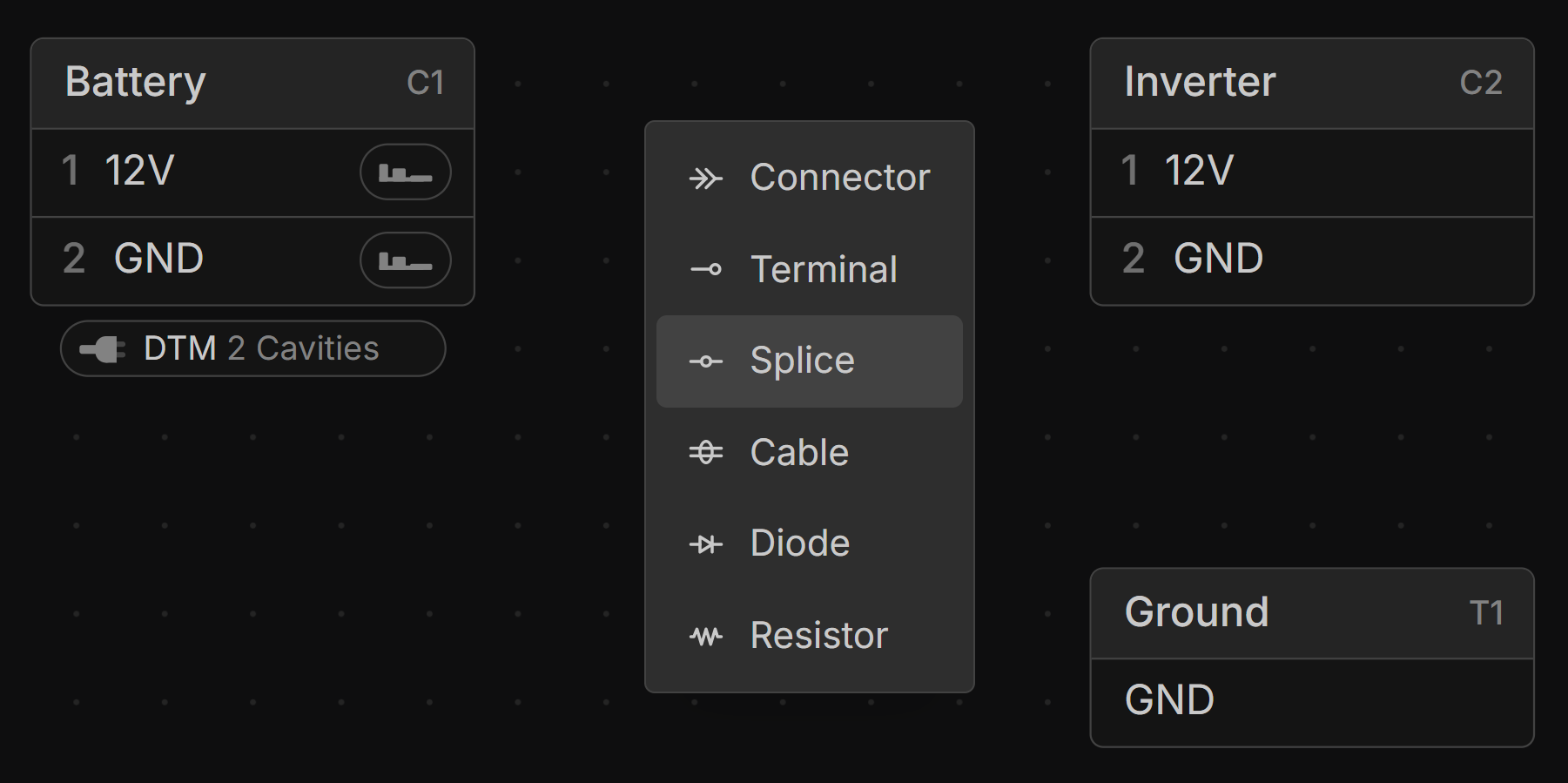
Right-click on the canvas in the Schematic View and select Splice.
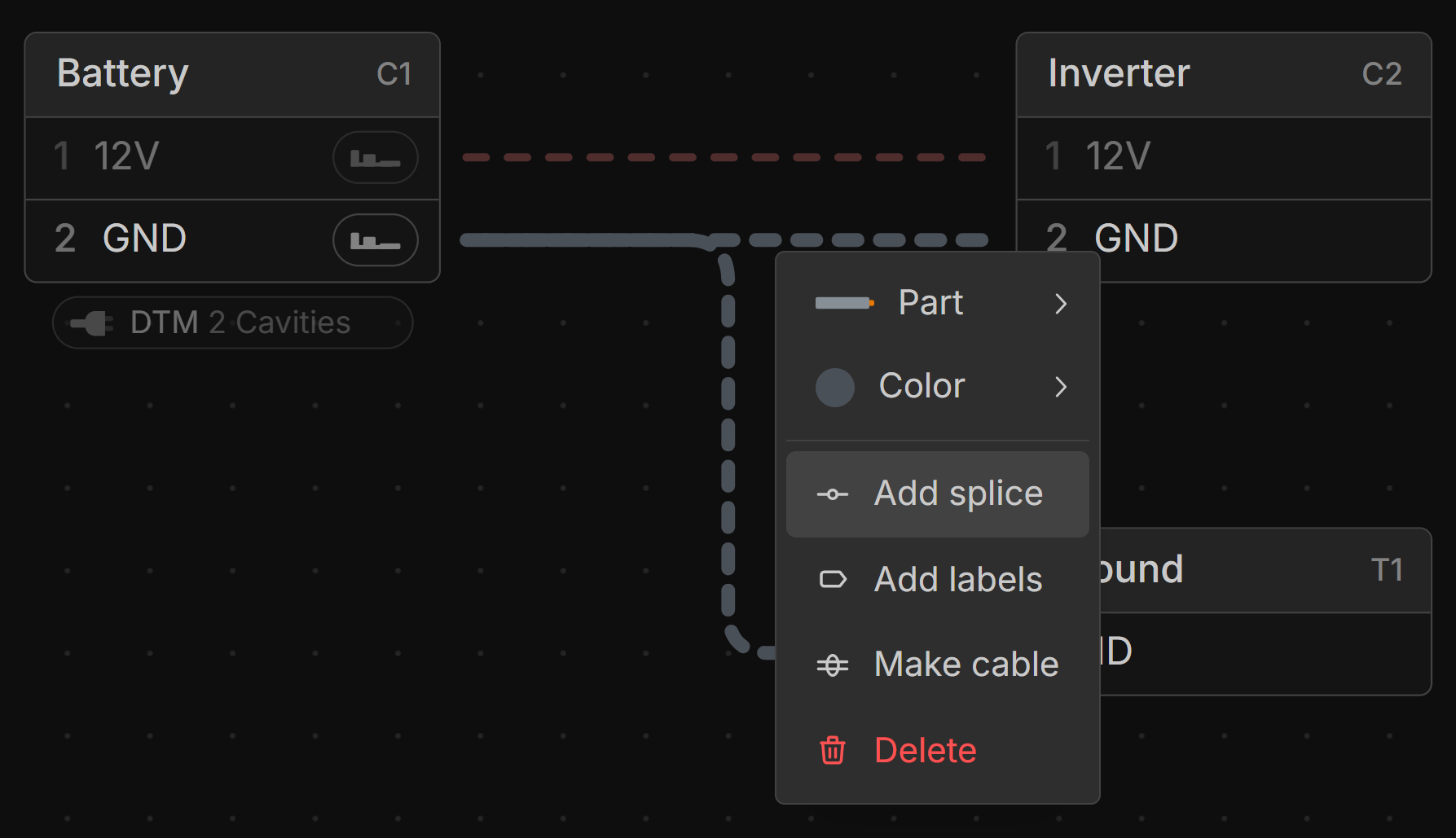
You can also add a Splice by selecting multiple wires in the Schematic View, then right-clicking and choosing Add splice.
Locating a Splice
Splices are automatically positioned at branch points based on the most efficient wiring path. An automatically placed splice is shown with a dashed arrow line.
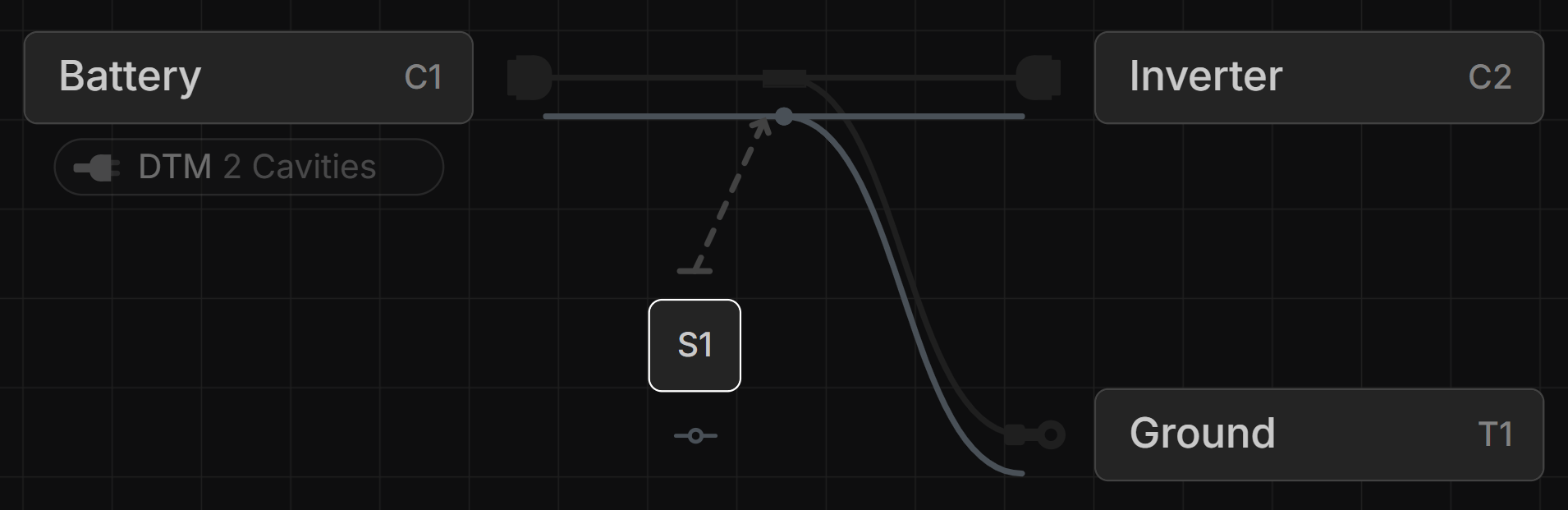
To position a Splice manually, drag its location handle in the Layout View to any branch point, connector, or terminal.
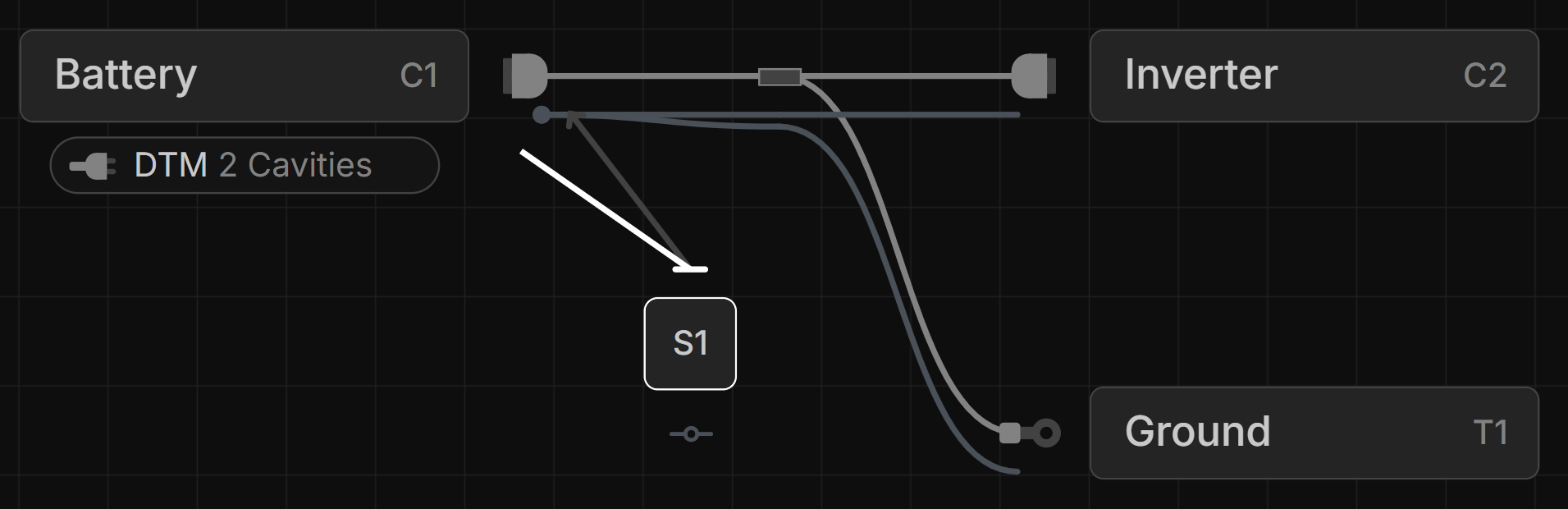
To reset a Splice to automatic placement, select its location line and press Delete.
Offsetting Splices/ Staggering Splices
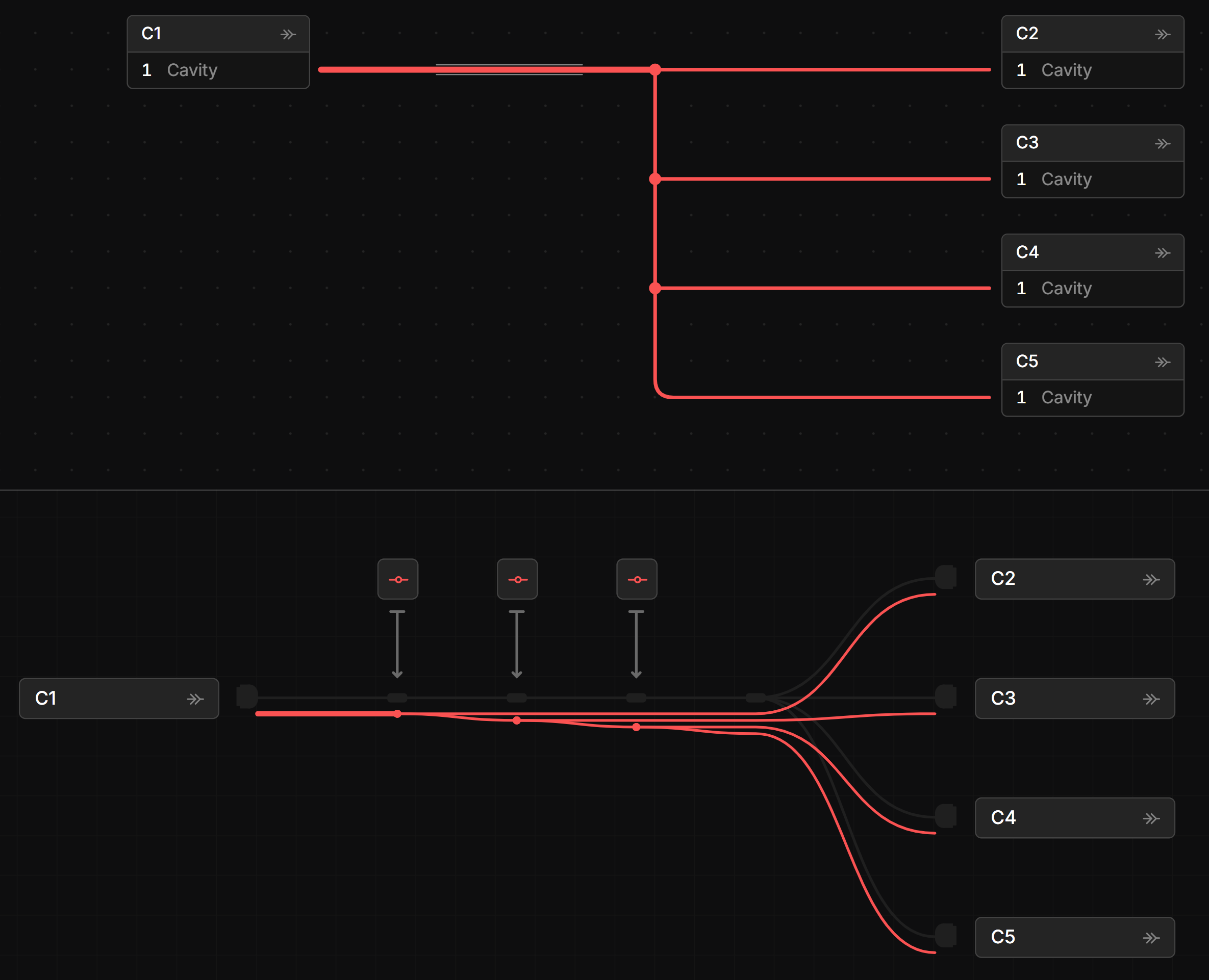
Splices can be staggered by adding additional branchpoints in the Layout View.
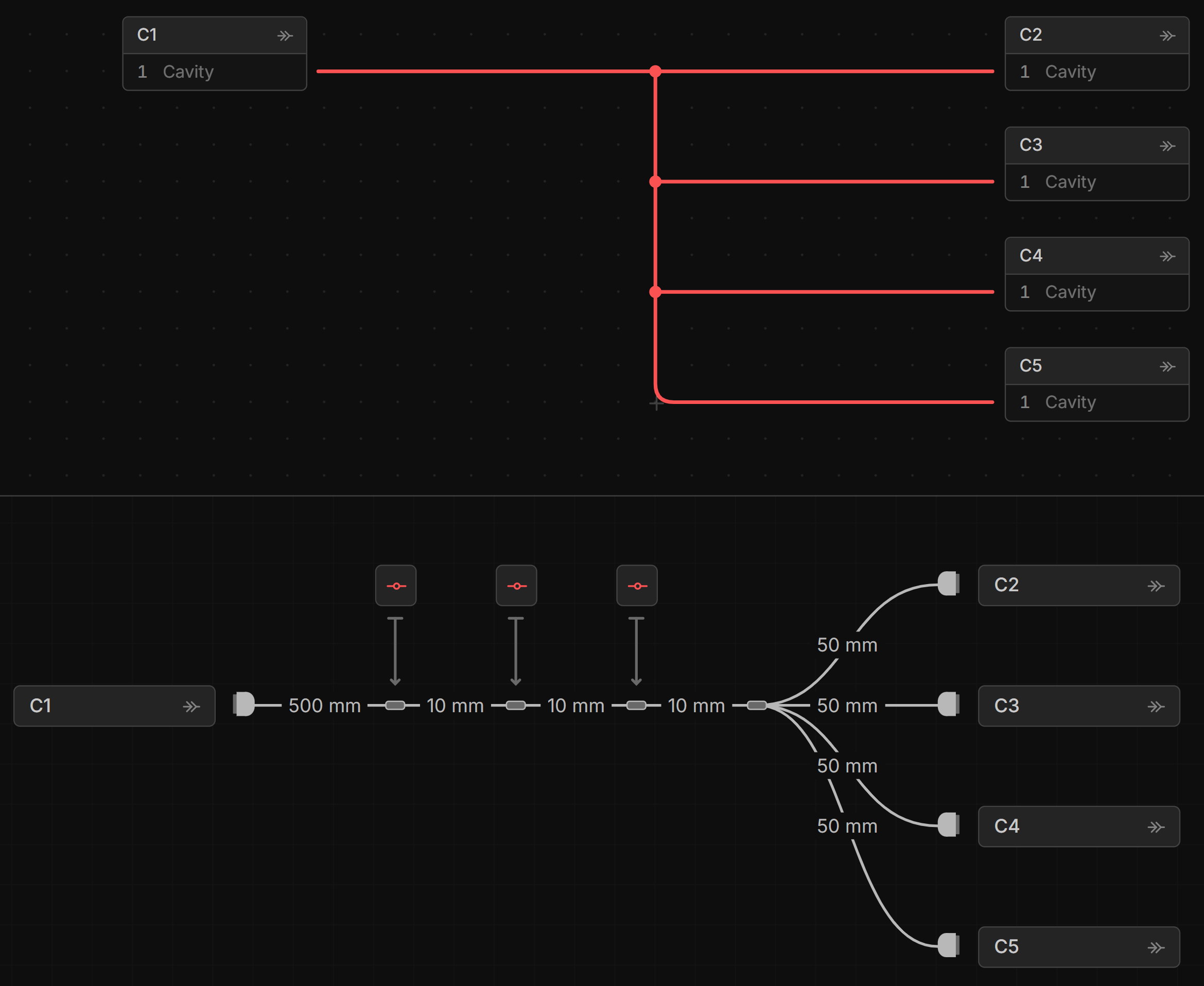
Image below shows the staggered Splice.