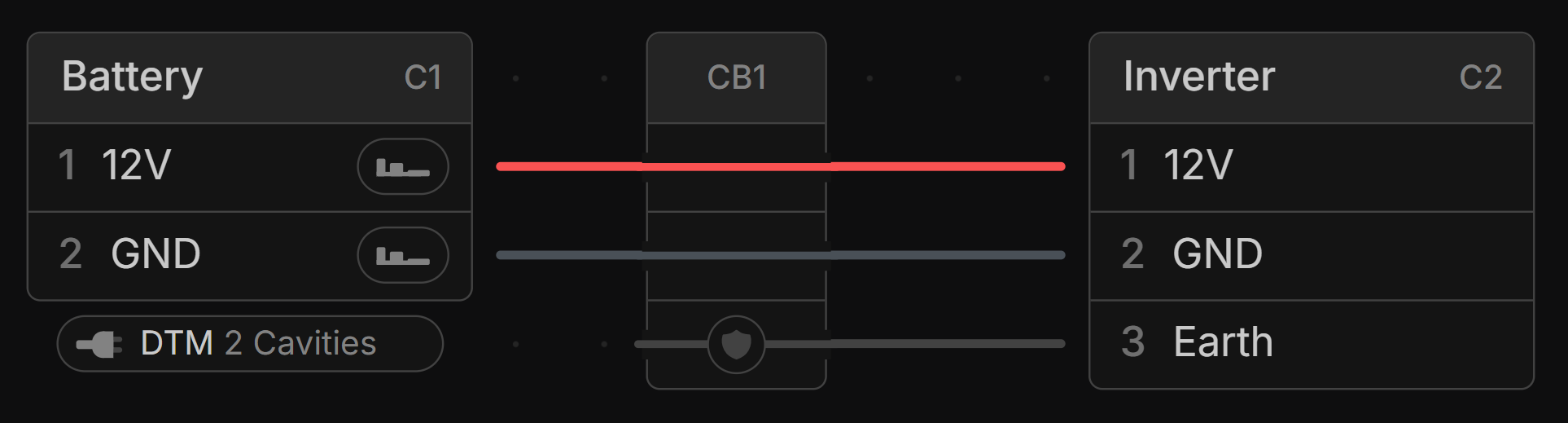
Cable
A cable is a group of individual wires—called cores—wrapped in a sheath.
Cable parts can be assigned to cables created in the Schematic View.
Adding a Cable
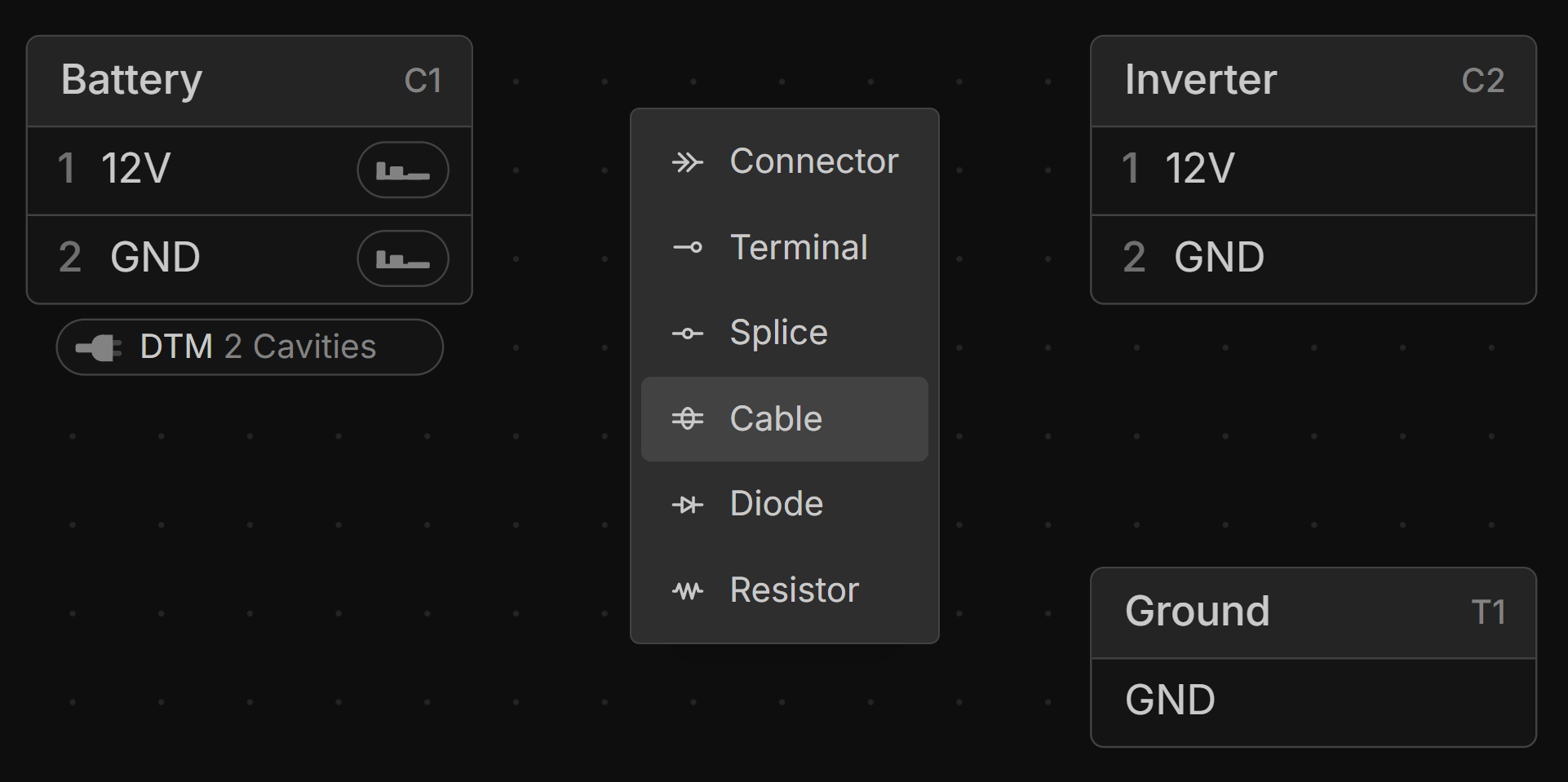
Right-click on the canvas in the Schematic View and select Cable to add a new cable.
Create a Cable from Wires
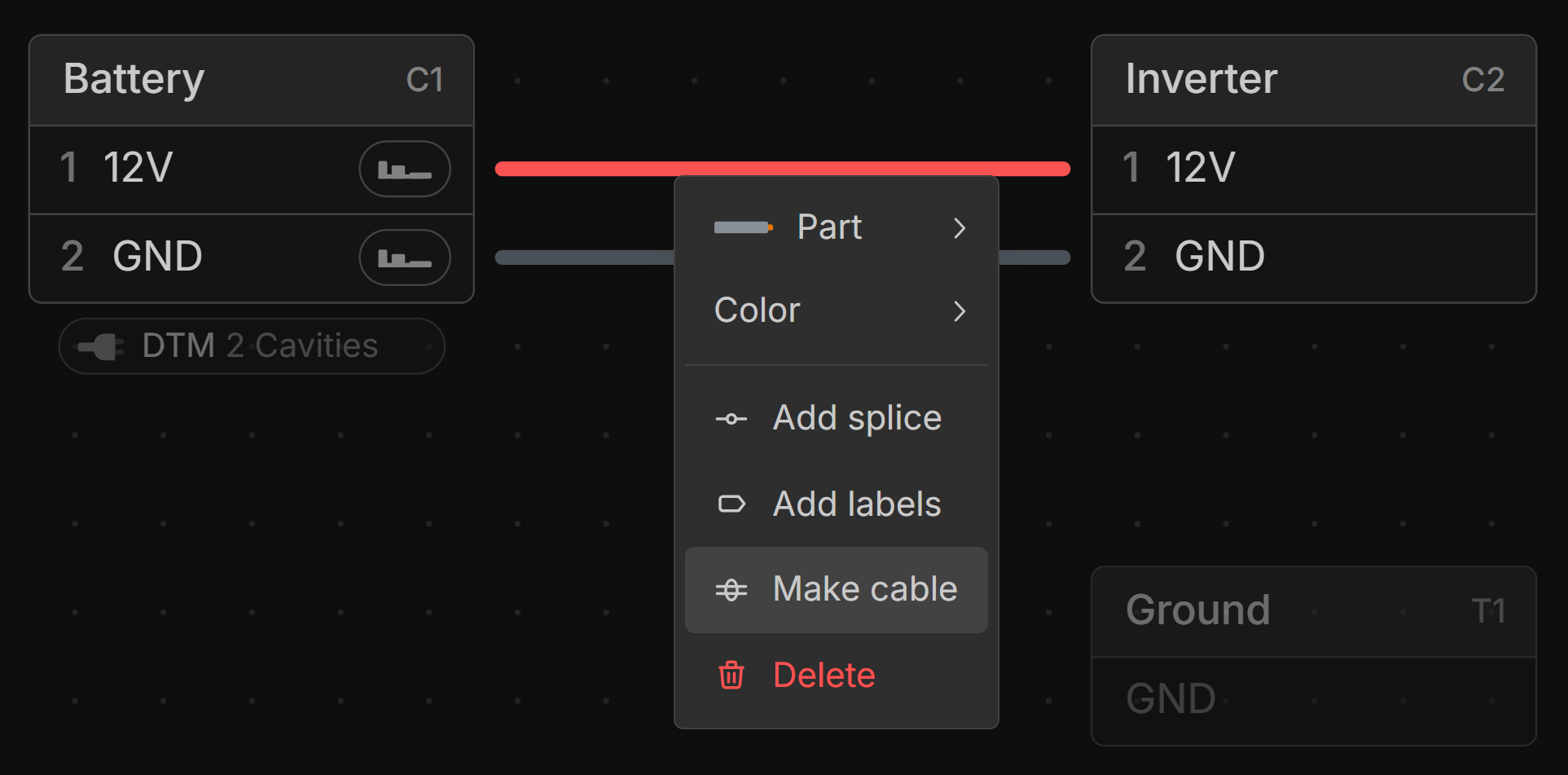
Select multiple wires, right-click, and choose Make cable. This creates a cable with a core for each selected wire.
Creating Cable Connections
Click and drag from a component’s connection point to one of the cable’s cores. Once two components are connected to the same core, a connection is established using that core as the conductor.
Layout a Cable
To layout a Cable you use Layout Points.
Cable Routing
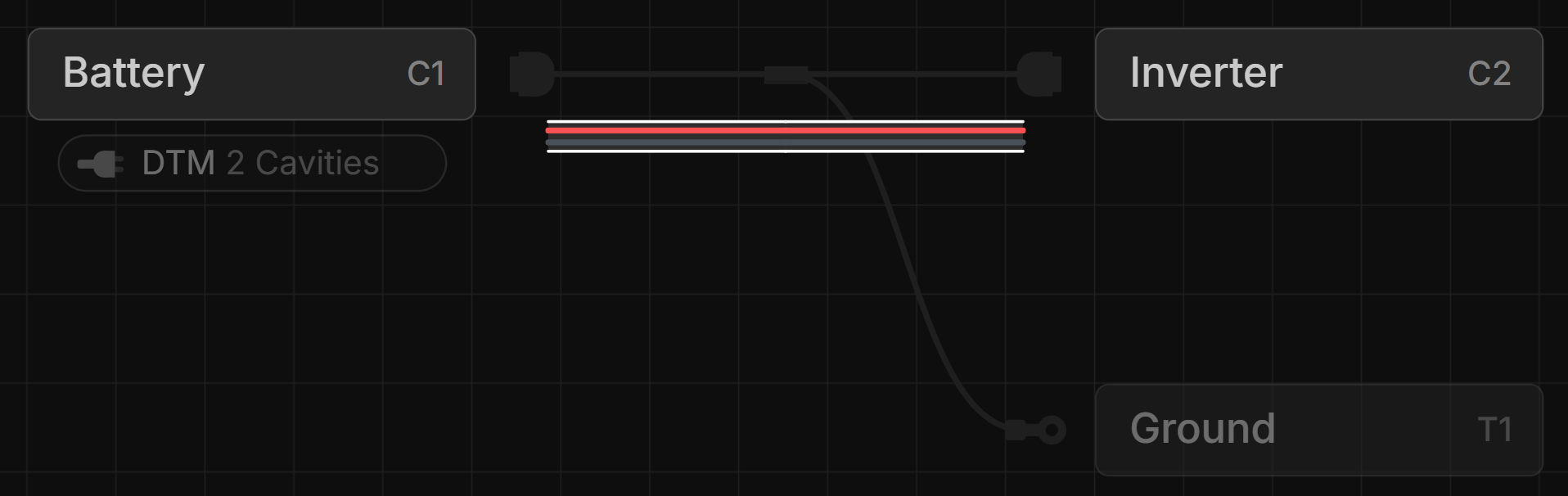
Cables are routed automatically based on connections and bundles. The cable length is determined by its longest core.
Adding and Removing Cable Cores
Select the cable in the Schematic View, then click the + button to add cores, or the – button to remove them. Enter the desired number of cores directly into the core count box.
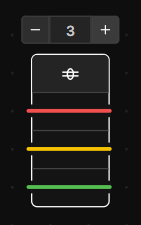
Adding a Shield to a Cable
Right-click the cable in the Schematic View and select Add Shield.
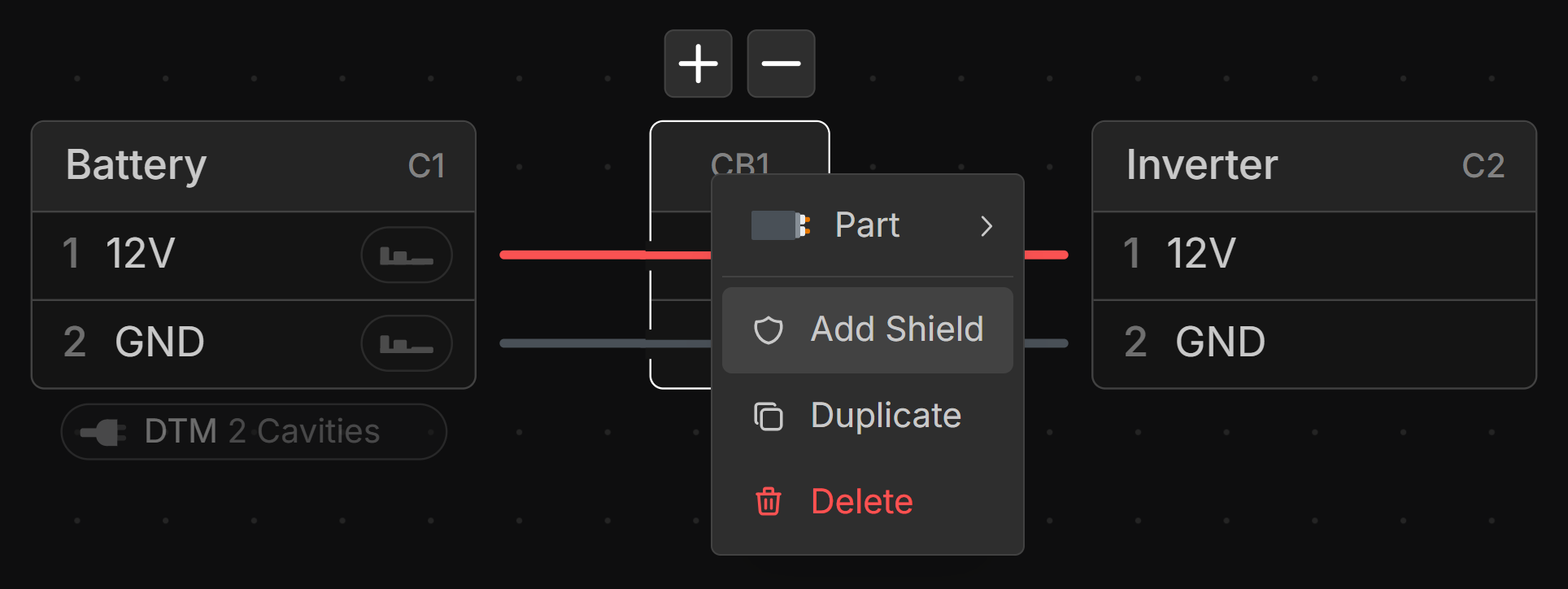
Shields can be connected to components just like wires.