Save/Open Local Data
You can save your harness to your local device as JSON data. This data contains all of the information to describe your harness, including the schematic, layout, and parts.
Save your Harness to Local Data
To save your harness to your local device, go to Menu → Export → Raw data.
This will download a JSON file to your device containing the data of your harness.
Open a Harness from Local Data
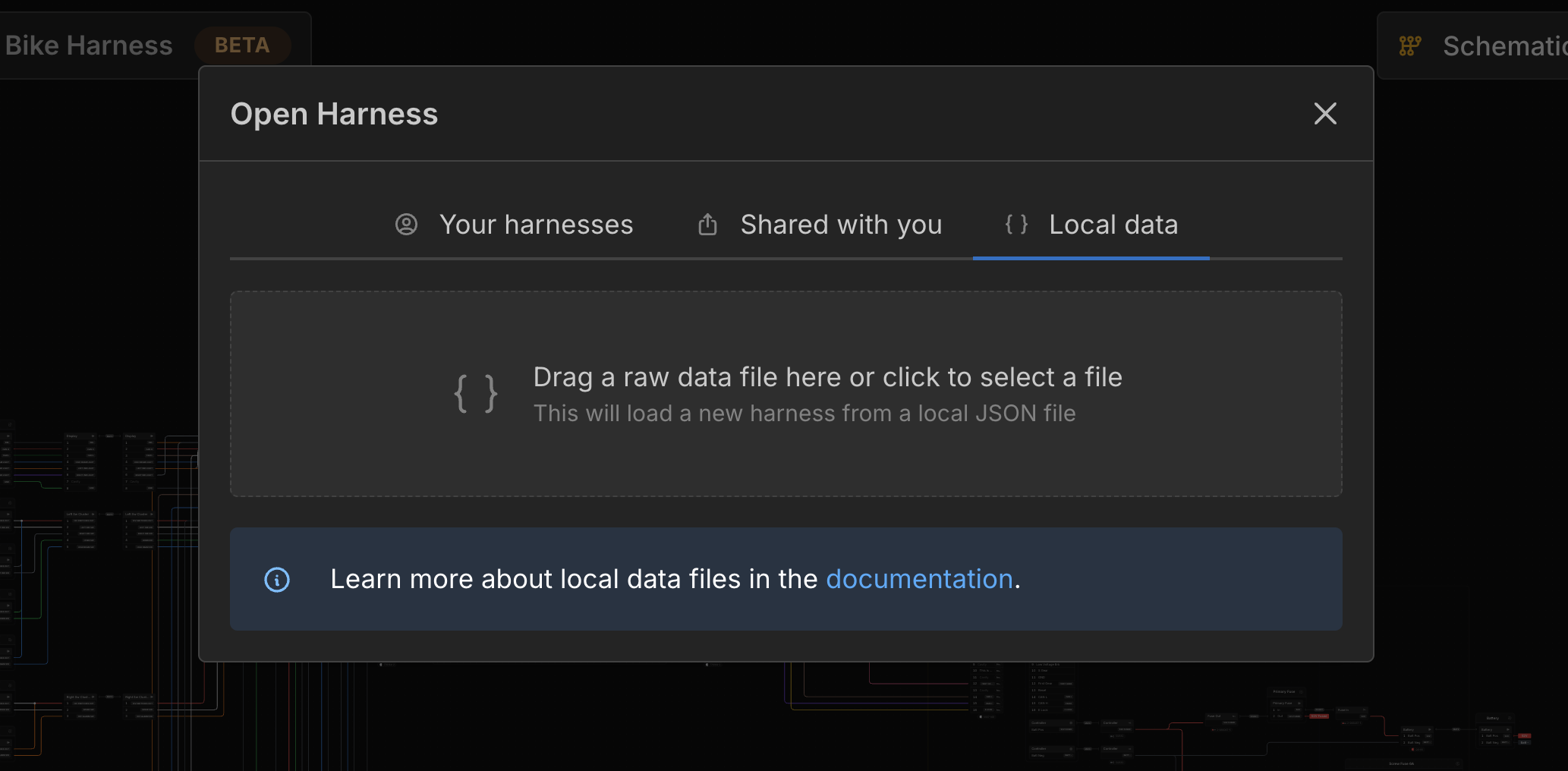
To open a harness from a JSON file on your local device, go to Menu → Open → Local data.
Drag the JSON file containing your harness data into the dropzone or click the dropzone to select the file from your device.
This will create a new harness with the data from the JSON file.
Last updated on