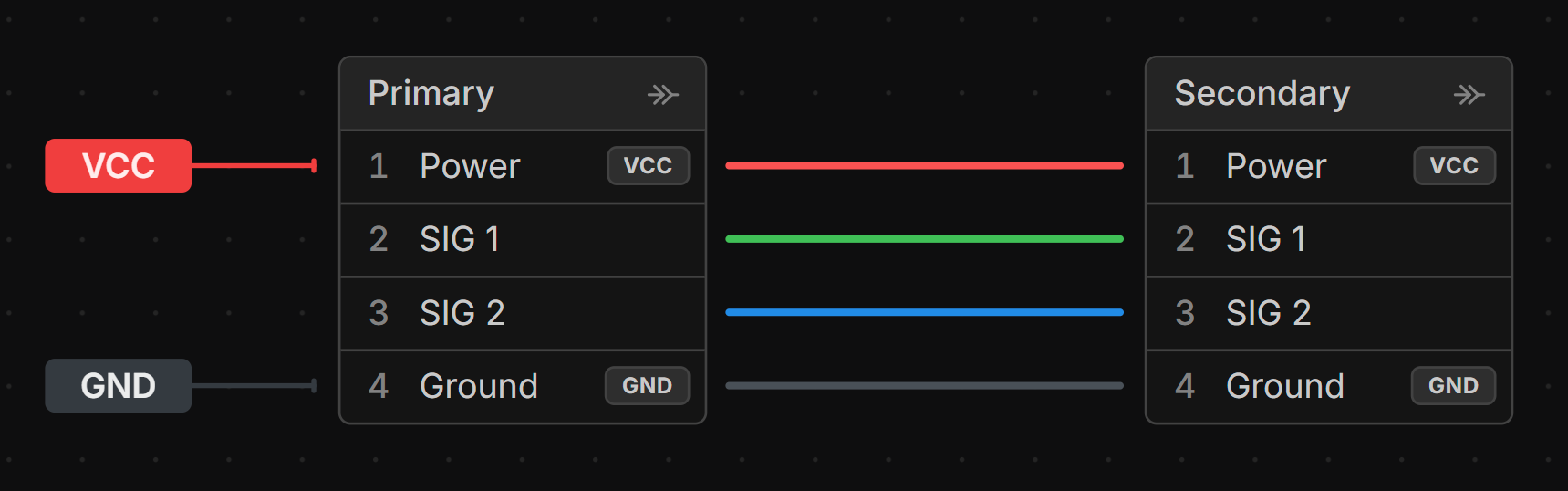
Net Label
A net label assigns a name to a net of wires. This is useful for the following reasons:
- Labels on connector cavities are auto-filled with the Net Label name.
- If two nets should be the same, adding a Net Label with the same name will merge them.
- Connections on the Connection View that are on a net with a Net Label will show the Net Label name making it easier to keep track of wires.
When to use a Net Label
Use a Net Label for larger nets that span multiple components or connectors. Often this is used for power nets (e.g. VCC, GND) or common signal nets (e.g. I2C, SPI).
Adding a Net Label
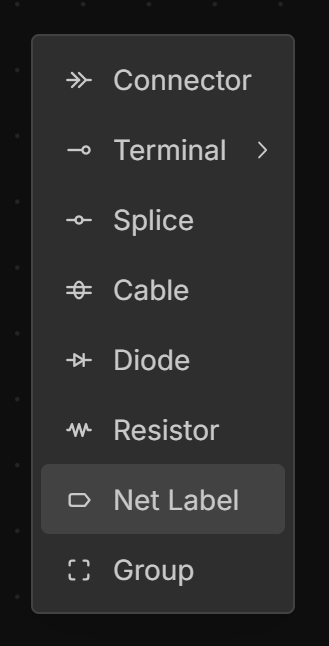
In the Schematic View, right click on the canvas and select Net Label.
Assigning a Name to a Net Label
Double click on the Net Label to edit its name.
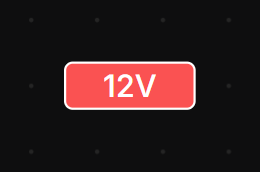
If a Net Label shares the same name as another Net Label, the nets will be connected together.
Assigning a Color to a Net Label
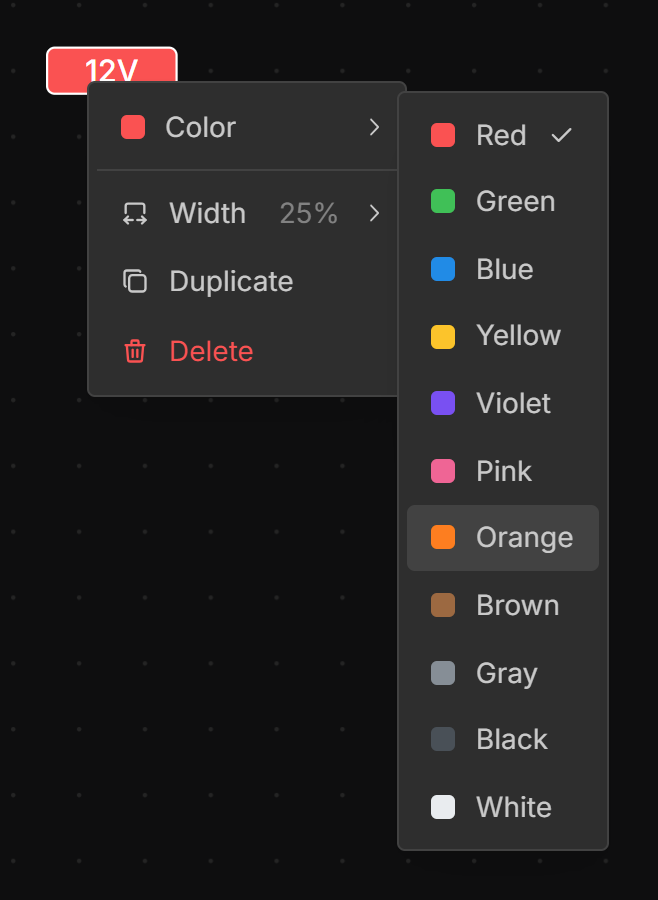
Right-click on the Net Label select Set Color and choose a color.
Assigning a Net Label to a Net
Drag from the handle on the left or right side of the Net Label to the end of a wire or cavity to assign the Net Label to that net.
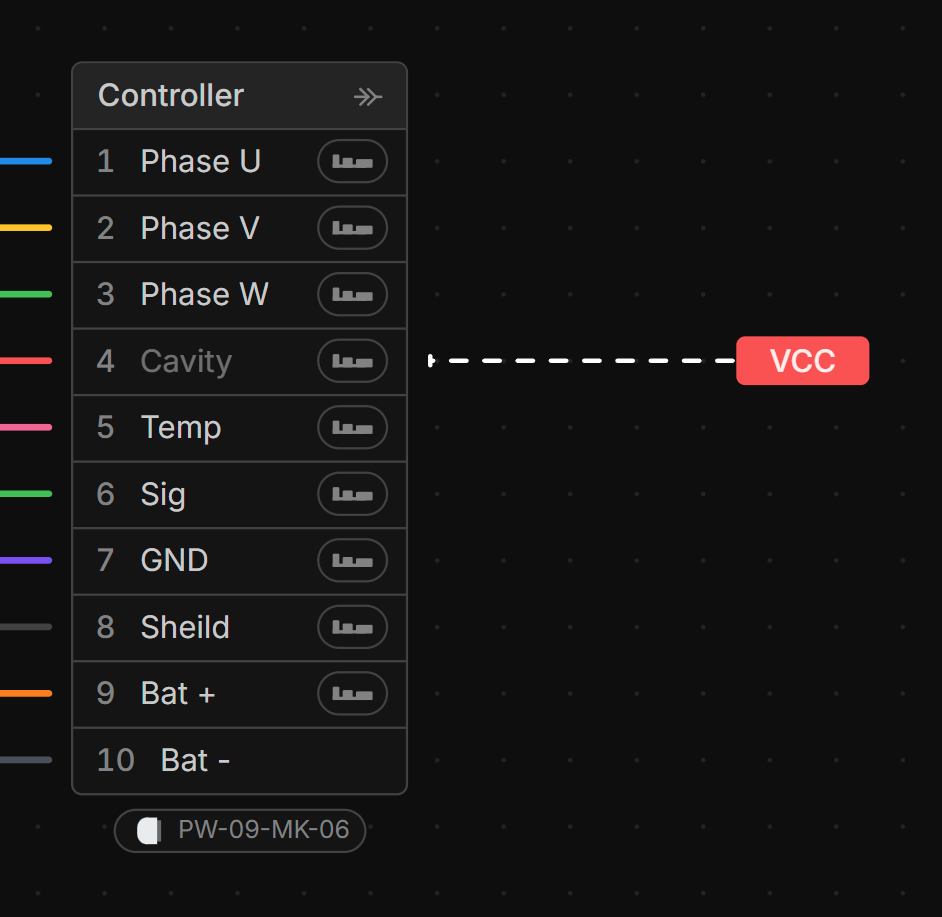
Net Label in Connections View
Net Labels are shown on all connections in the Connections View that belong to a net with a Net Label.
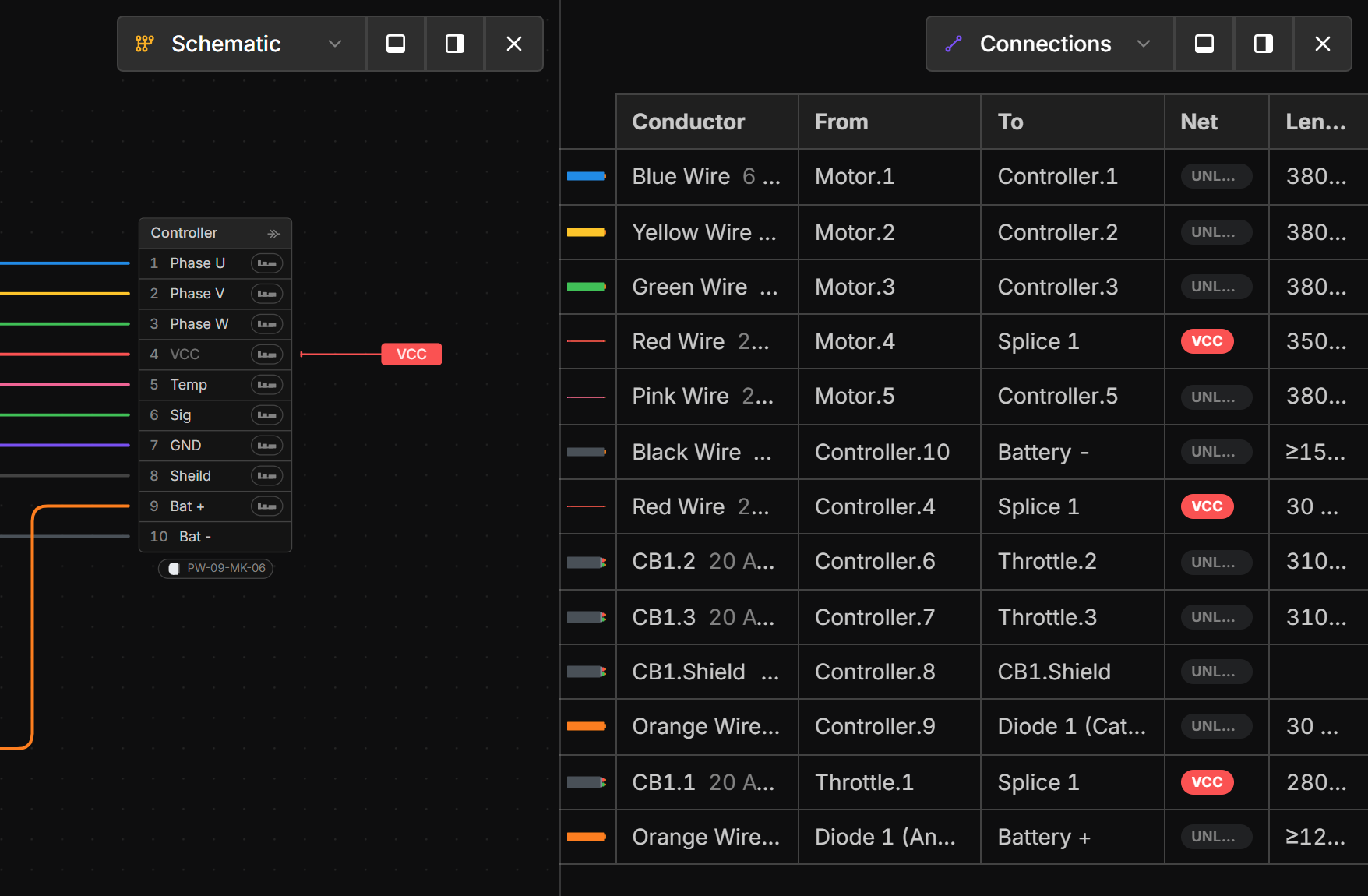
Net Label in Connector Cavities
The Net Label is shown in the cavity label of any connector cavity that is connected to a net with a Net Label.