Settings
The Settings panel allows you to set default global settings for the software.
User settings
Settings in the panel affect all harnesses.
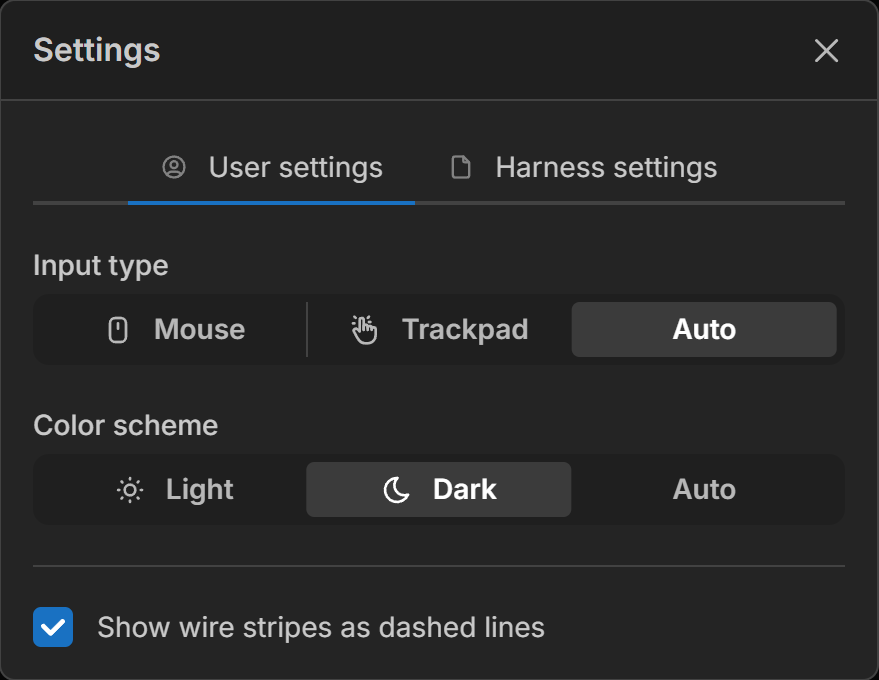
Input type
This allows you to force the software to a certain input type.
Mouse - Scrolling will zoom the canvas. Click and drag the middle mouse button to pan.
Trackpad - Scrolling will pan the canvas. Pinch to zoom in and out.
- Auto - Automatically detect the input device
Color scheme
The software supports both light and dark color schemes.
Light - Use light color scheme
Dark - Use dark color scheme
- Auto - Set light or dark color schemes based on the system settings
Wire Stripes
Toggles the visual style of striped wires between two display modes: parallel stripes (which follow the wire’s length for a more realistic appearance) and perpendicular dashes (which cross the wire for improved readability at a glance).
Harness settings
Settings in the panel affect only the current harness.
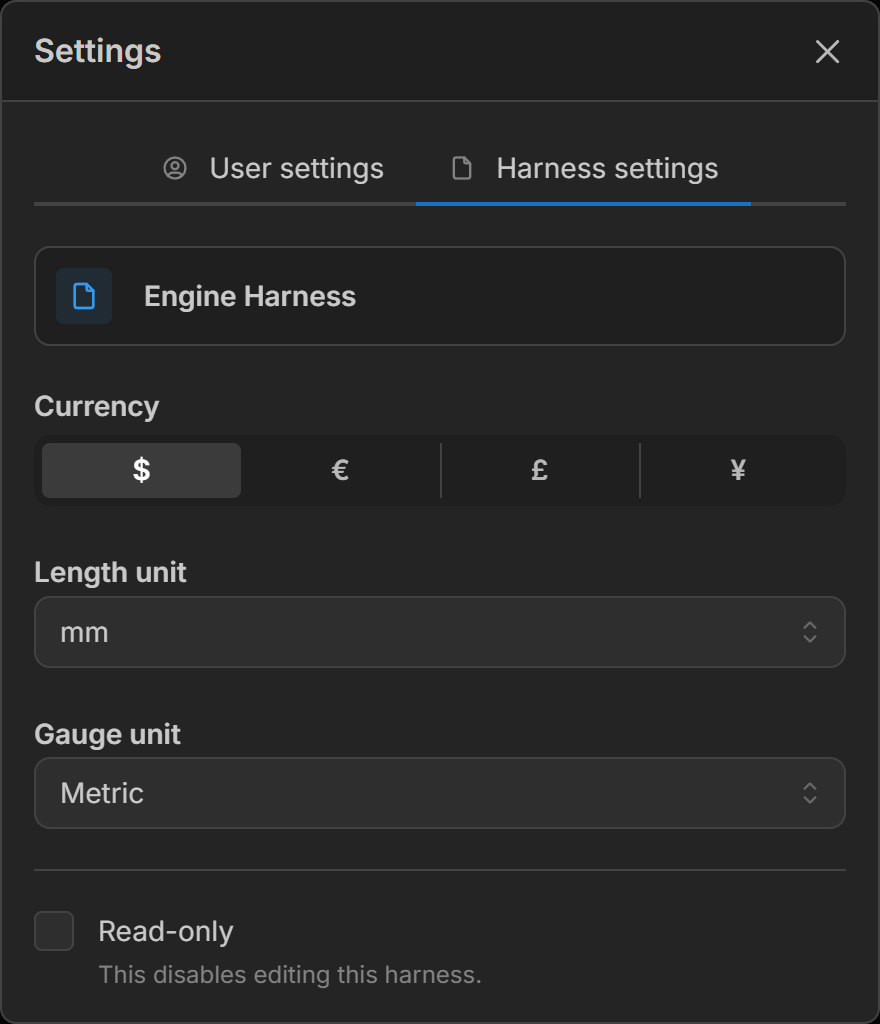
Default length unit
This sets the default length unit used in the harness.
mm- Millimetercm- Centimeterm- Meterin- Inchft- Footyd- Yard
Default gauge unit
This sets the default gauge unit in the harness. For metric mm² is used, while for imperial AWG is used.
Metric- Millimeters squared (mm²)AWG- American Wire Gauge
Currency
Lets you select the currency symbol used in the document.
- $ - Dollar
- € - Euro
- £ - Pound
- ¥ - Yen
Read-only
Toggles enabling and disabling the editing of the document.